// NOTE · August 22, 2026
SQL Transactions with Sequelize + PostgreSQL
Notes on SQL transactions, how they work, and how I use them with Sequelize and PostgreSQL.
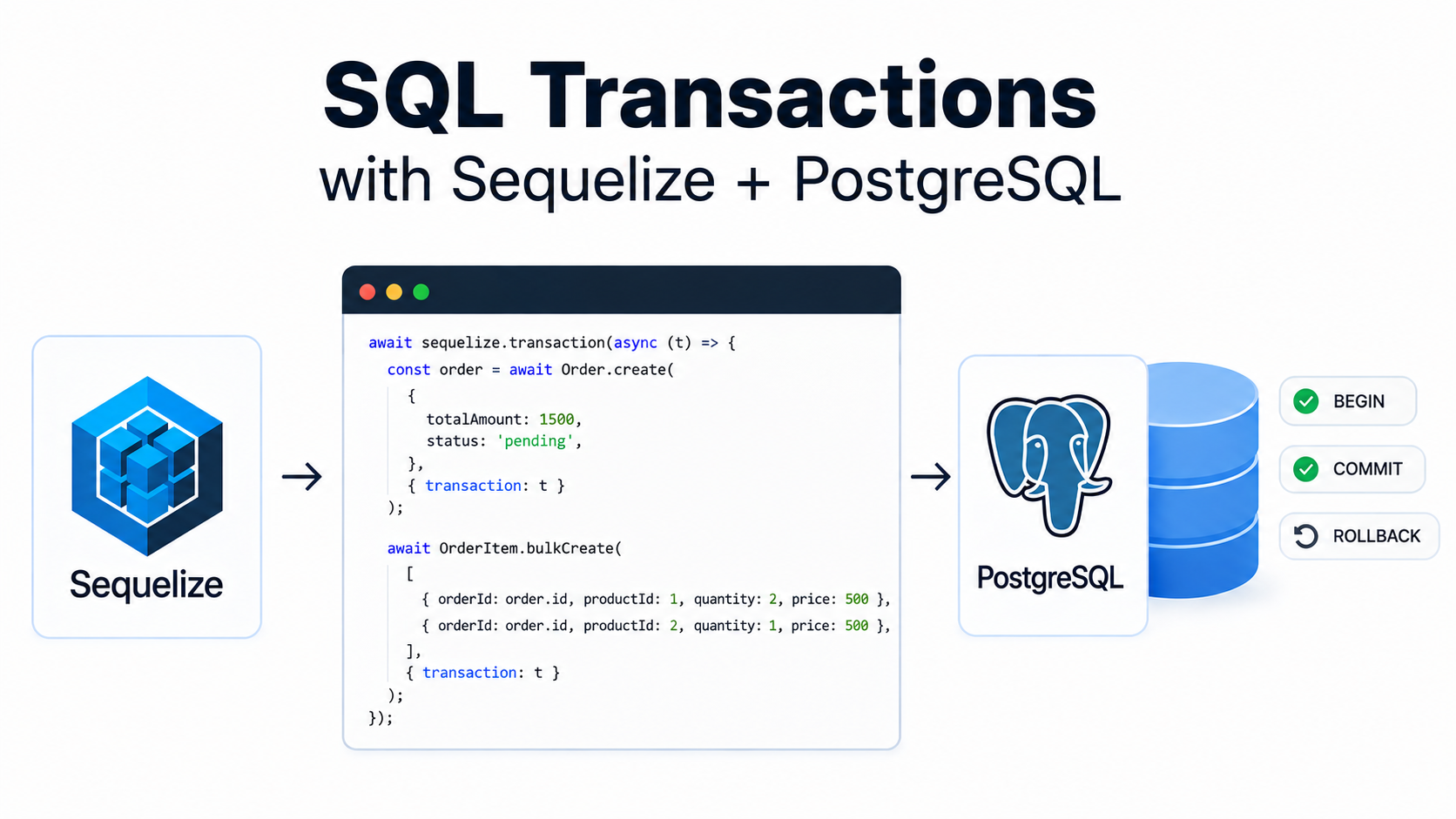
A transaction is basically a group of database operations that should all succeed or all fail.
For example, transferring $20 from Account A to Account B:
Account A → -$20
Account B → +$20
We don’t want Account A to lose the money if adding $20 to Account B fails.
That’s what transactions are for.
SQL Transactions
Start a transaction with:
BEGIN;Do your database operations:
UPDATE accounts
SET balance = balance - 20
WHERE id = 1;

UPDATE accounts
SET balance = balance + 20
WHERE id = 2;
If everything worked:
COMMIT;If something went wrong:
ROLLBACK;Easy way to remember:
BEGIN→ start transactionCOMMIT→ save changesROLLBACK→ undo changes
Transactions in Sequelize
With Sequelize, create a transaction:
const trx = await sequelize.transaction();Then pass it to the queries that should be part of the transaction:
const order = await Order.create(
    {
        userId: 1,
        total: 50,
    },
    { transaction: trx }
);
If everything succeeds:
await trx.commit();If something fails:
await trx.rollback();The Basic Pattern
I usually use a try/catch:
const trx = await sequelize.transaction();

try {
    const product = await Product.findByPk(productId, {
        transaction: trx,
    });

    if (!product) {
        throw new Error("Product not found");
    }

    // create order
    const order = await Order.create(
        {
            productId: product.id,
            userId: req.user.id,
        },
        { transaction: trx }
    );

    // reduce stock
    await product.update(
        {
            stock: product.stock - 1,
        },
        { transaction: trx }
    );

    // everything worked
    await trx.commit();
    res.status(201).json(order);
} catch (err) {
    // something failed
    await trx.rollback();
    next(err);
}
The important part is this:
transaction: trxEvery query that should be part of the transaction needs to use the same transaction.
Otherwise, that query can run outside the transaction.
The Alternative Pattern (Managed Transactions)
Sequelize can also handle the commit and rollback for you.
This is usually cleaner:
await sequelize.transaction(async (trx) => {
    const product = await Product.findByPk(productId, {
        transaction: trx,
    });

    if (!product) {
        throw new Error("Product not found");
    }

    // create order
    const order = await Order.create(
        {
            productId: product.id,
            userId: req.user.id,
        },
        { transaction: trx }
    );

    // reduce stock
    await product.update(
        {
            stock: product.stock - 1,
        },
        { transaction: trx }
    );

    return order;
});
No need to manually call:
await trx.commit();
await trx.rollback();
If everything inside the callback succeeds, Sequelize commits the transaction.
If something fails, Sequelize automatically rolls everything back.
Less code and less chance of forgetting rollback().
When To Use Transactions
Use a transaction when multiple database operations depend on each other.
For example:
- Creating an order + order items
- Transferring money
- Updating stock + creating an order
- Creating a user + related records
- Deleting related data
- Any operation where a partial update would cause problems
You don’t need to wrap every single query in a transaction.
If one query is independent, a transaction is usually unnecessary.
Common Mistake
The most common mistake is forgetting to pass the transaction to a query:
await User.create(data, { transaction: trx });
await Order.create(data);
The second query is outside the transaction.
Instead:
await User.create(data, { transaction: trx });
await Order.create(data, { transaction: trx });
Now both operations belong to the same transaction.
Don’t forget to pass the transaction to every related query.
Simple Mental Model
Think about it like this:
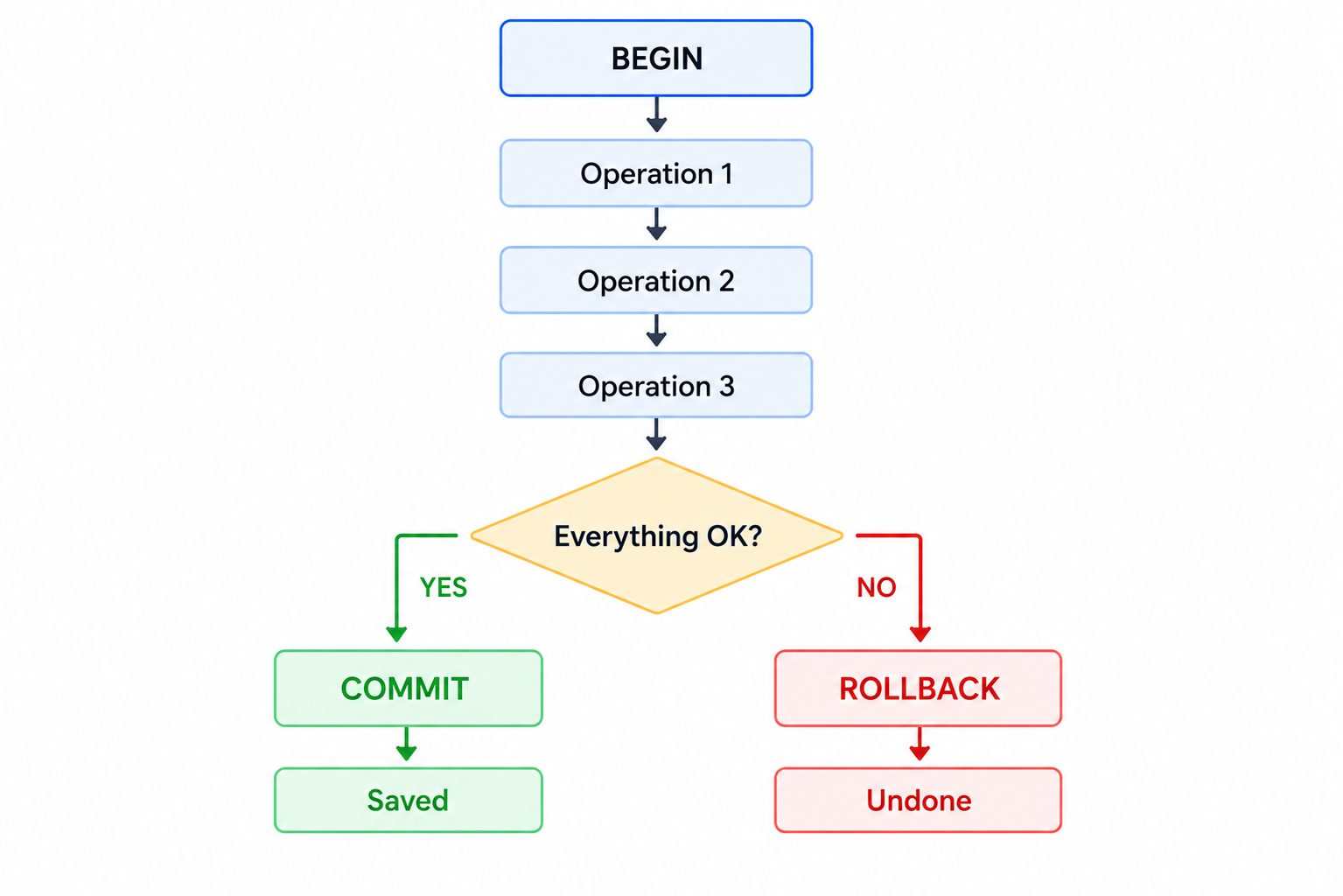
A transaction keeps related database changes together. Either everything succeeds, or nothing gets saved.