// WEB
DHRecord — Dental Health Record Management System
A web-based system built to connect dental clinics and patients, with clinic discovery, appointment scheduling, and patient record management.
Overview
As a team consisting of SIM-UOW final-year students, we are assigned a project to develop a web-application-based Dental Health Record Management System - DHRecord. This tool will help organize all patients’ records for our clients which are dental healthcare providers and make it efficient for users of our software to search for required information of their patient.
The project’s objective is to make our service unique and outstanding as compared to the other web apps in the market whereby we target specially to dental clinics business owners that wants to have their business being hosted on a website so that customers can view what each clinic specializes in and where is the nearest specialized clinic of their choice before submitting their particulars for an appointment. The data that the customer submitted will be consolidated and be under the clinic the customer submitted under.
With this system, it will increase the productivity of our users as all relevant and useful information of our clients’ customers will be collated into our database to make it easier for the users to search for patients’ medical history, drug allergies, treatments undergone, etc. Other than that, our system will also show a list of our clients’ clinics with their specialization and the distance from their location to the clinic.
This project also involved the software development process beyond coding, including project planning, requirements documentation, UML diagrams, change control, progress tracking, and regular reporting throughout the development process.
My role
I was part of a SIM-UOW final-year student group project.
My main responsibilities included:
- Designing and developing the appointment scheduling and clinic search modules
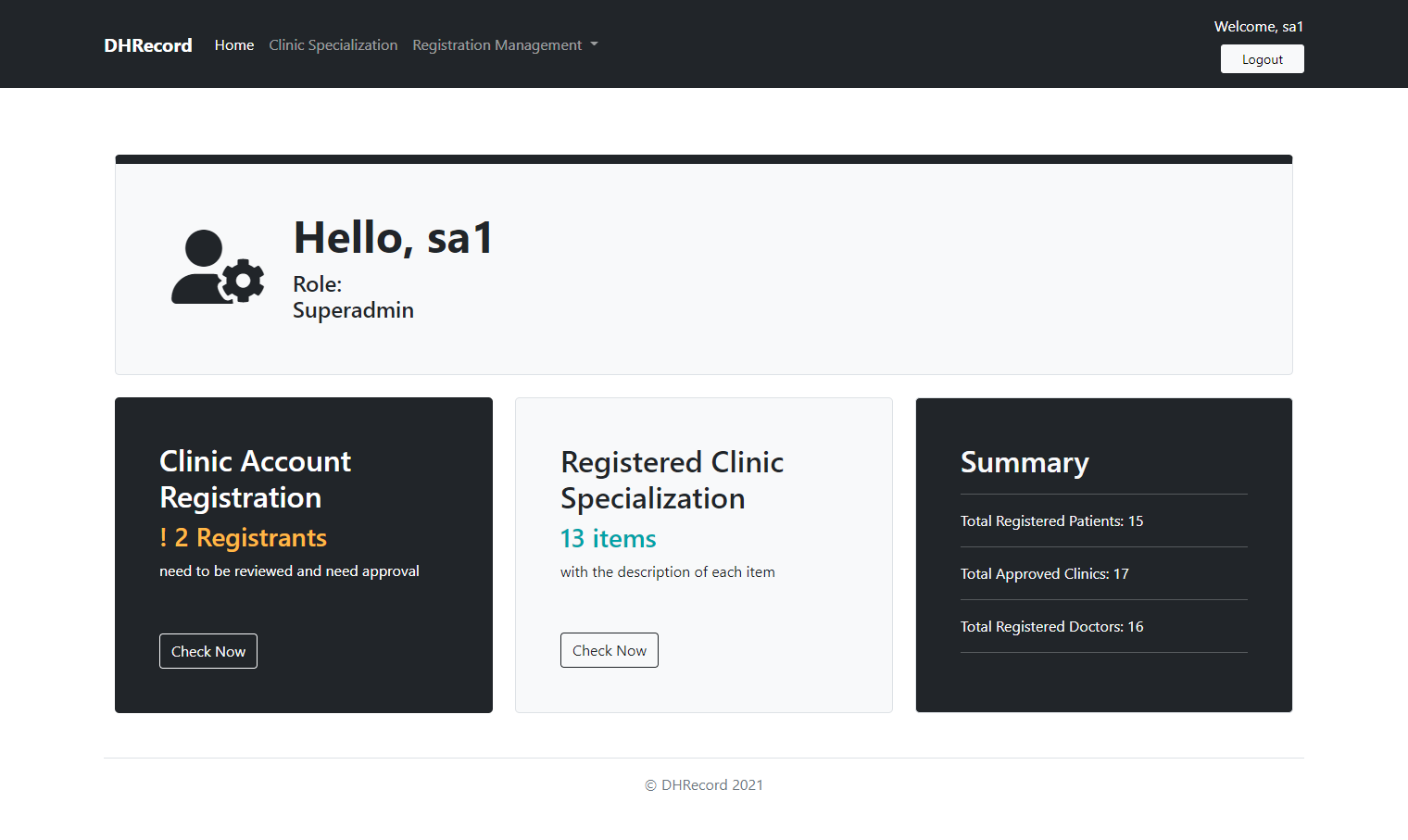
- Designing the superadmin homepage and account summary
- Building responsive interfaces for the assigned modules
- Implementing the functionality behind the pages I worked on
I contributed to both the functionality and interface design of the modules assigned to me. I also contributed to the planning and documentation side of the project, including project tracking, change control, technical documentation, UML diagrams, and reports for our supervisor.
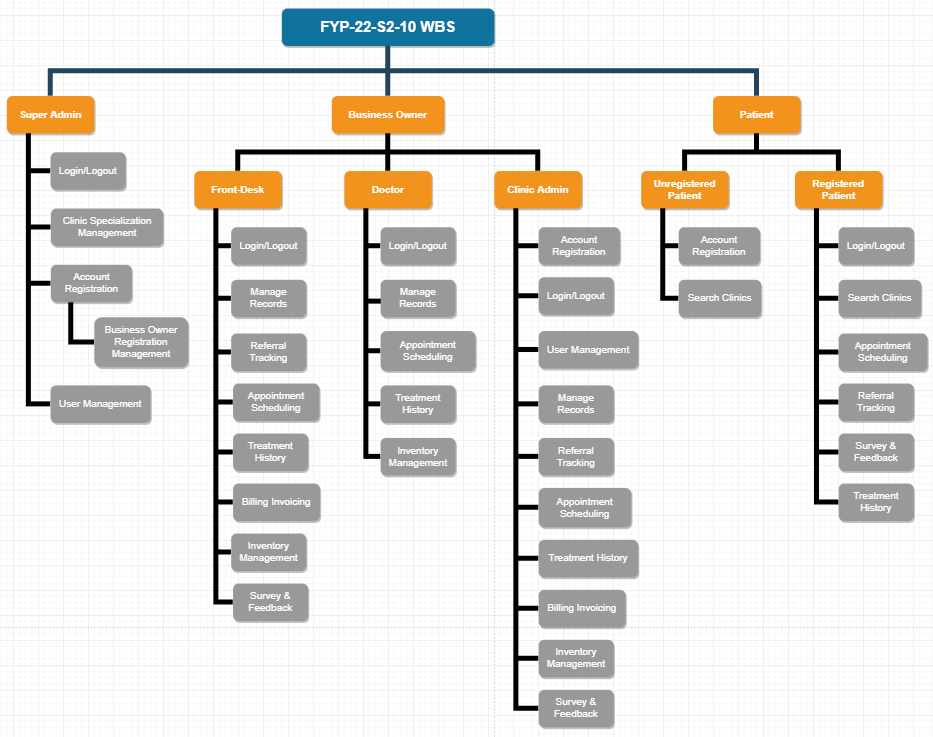
Work breakdown
Key features
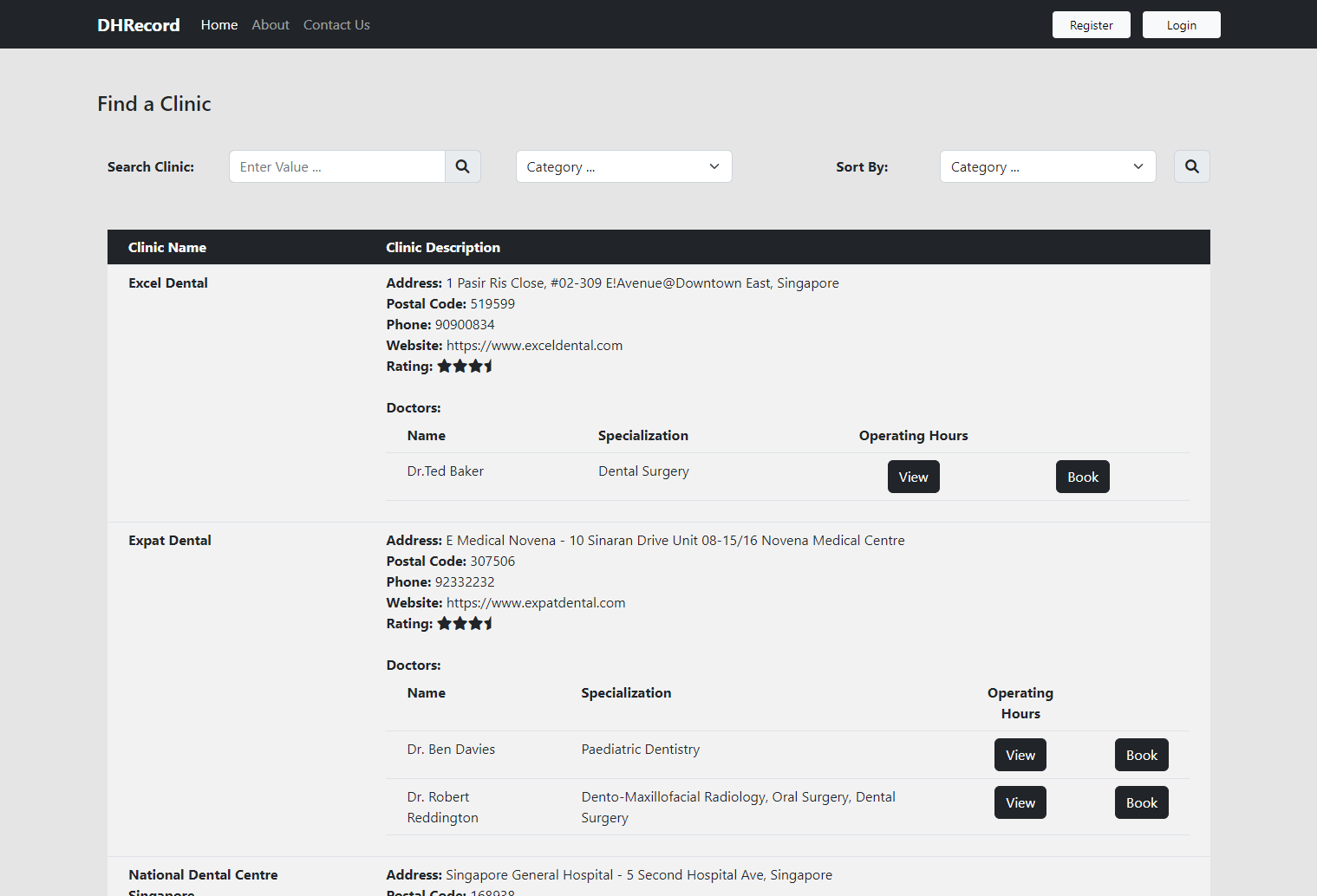
Clinic search
Patients can search for dental clinics based on available information such as clinic specialization and location.
The goal was to help users identify suitable clinics before submitting their appointment details.
Appointment scheduling
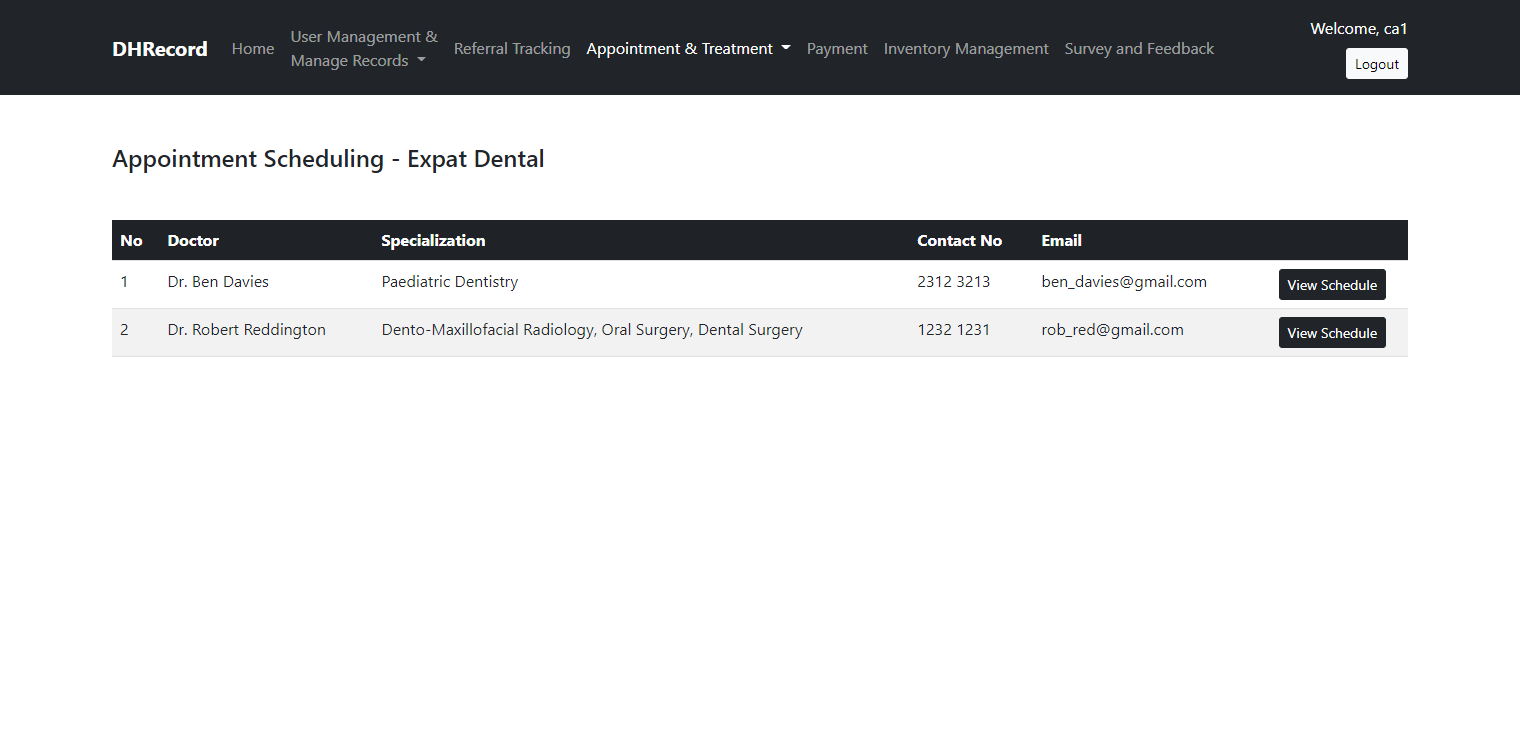
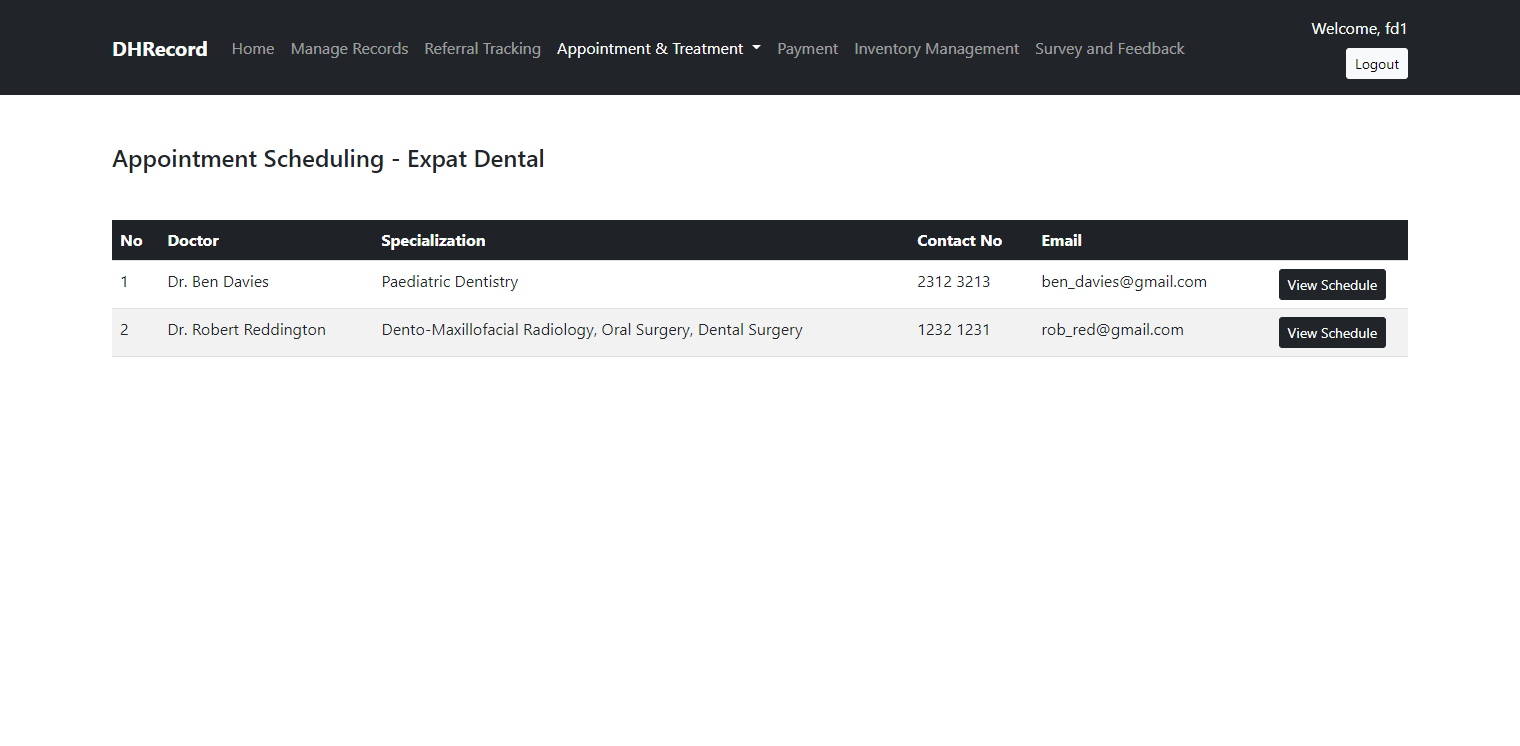
The system provides appointment scheduling workflows for different user roles.
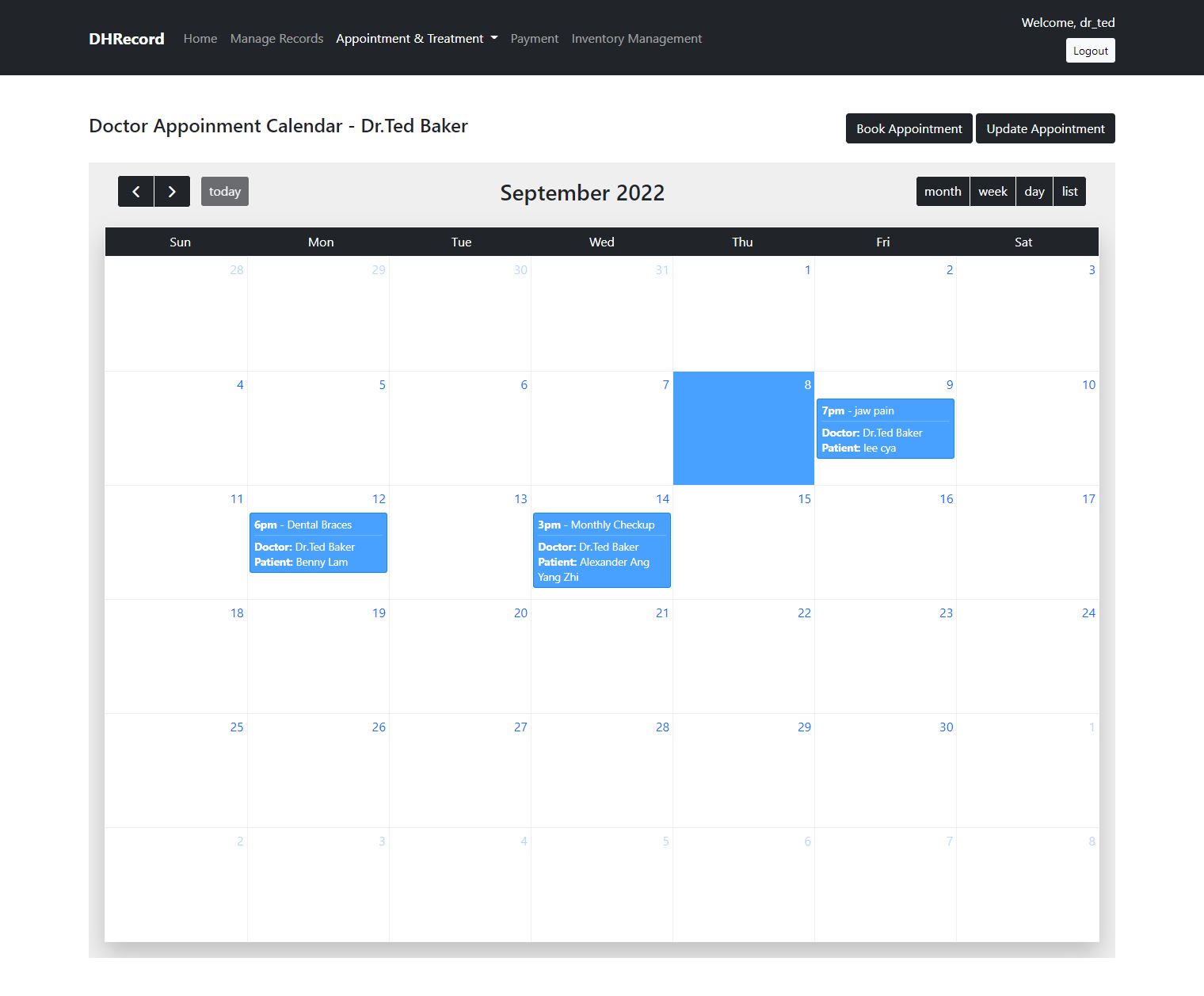
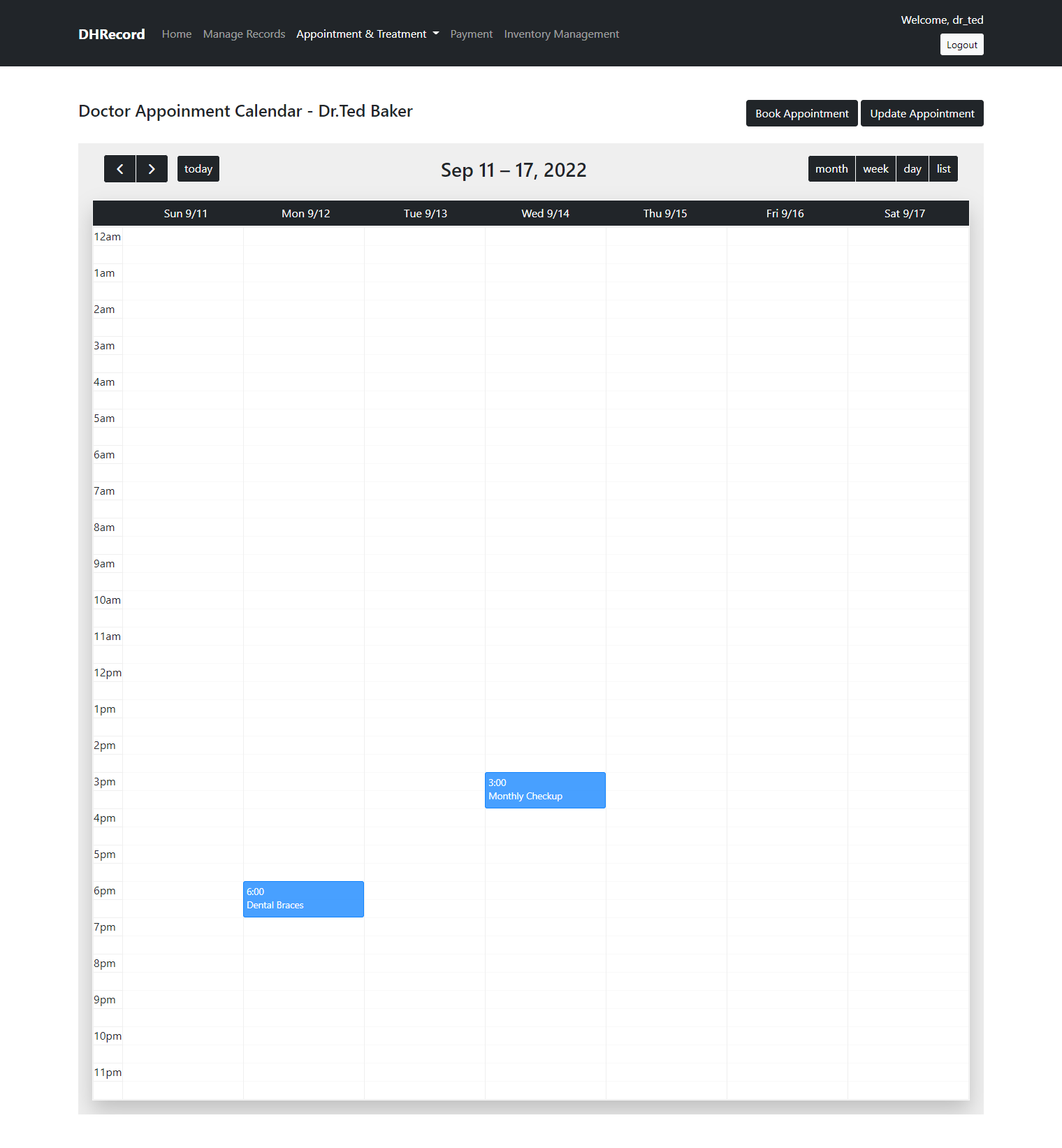
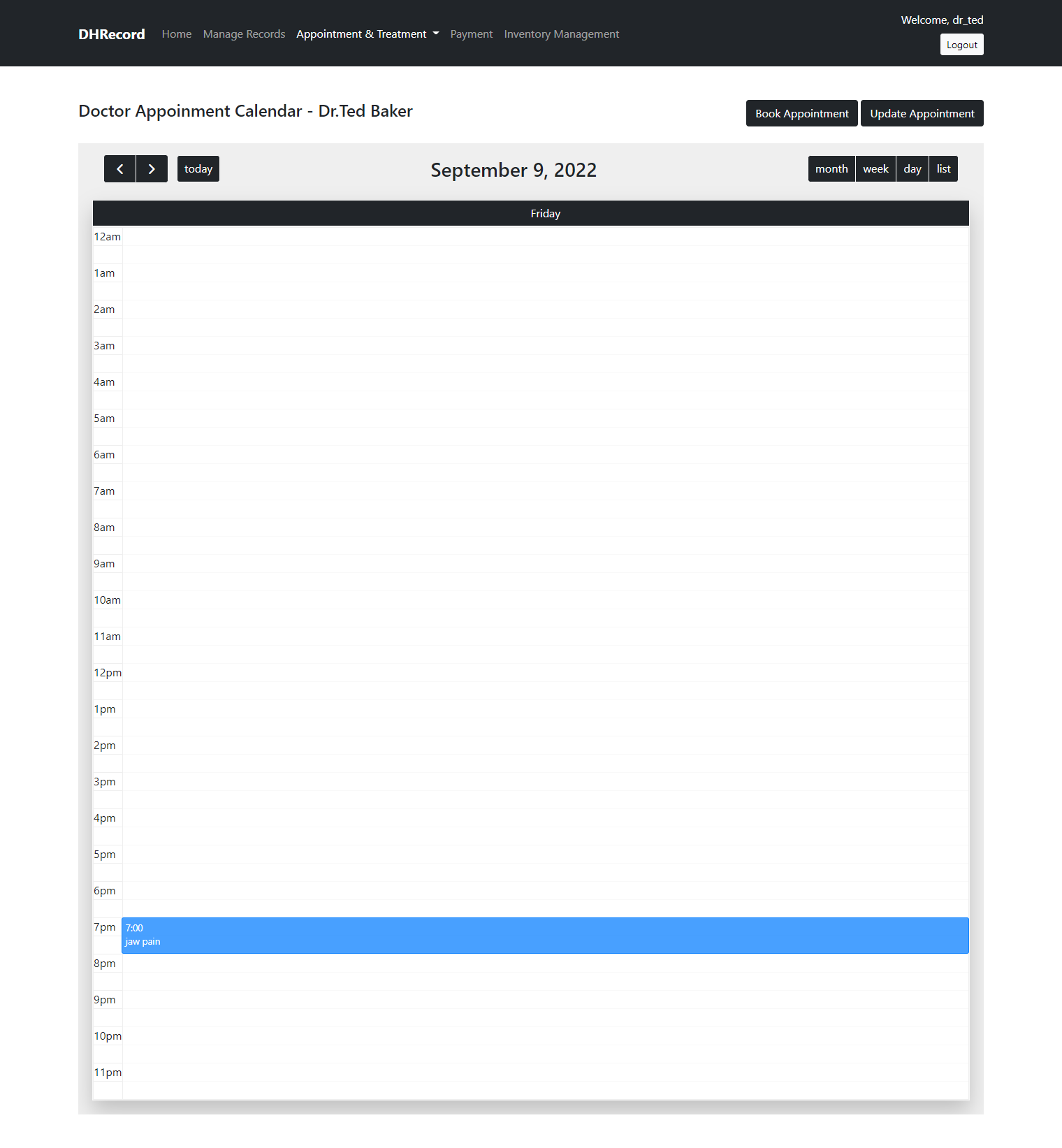
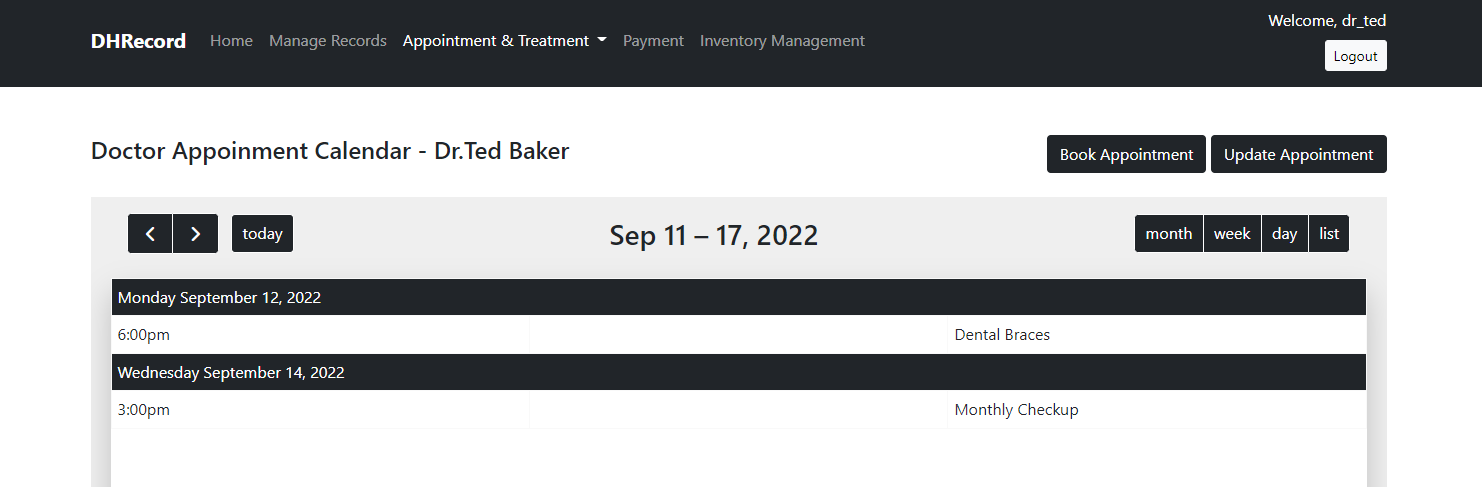
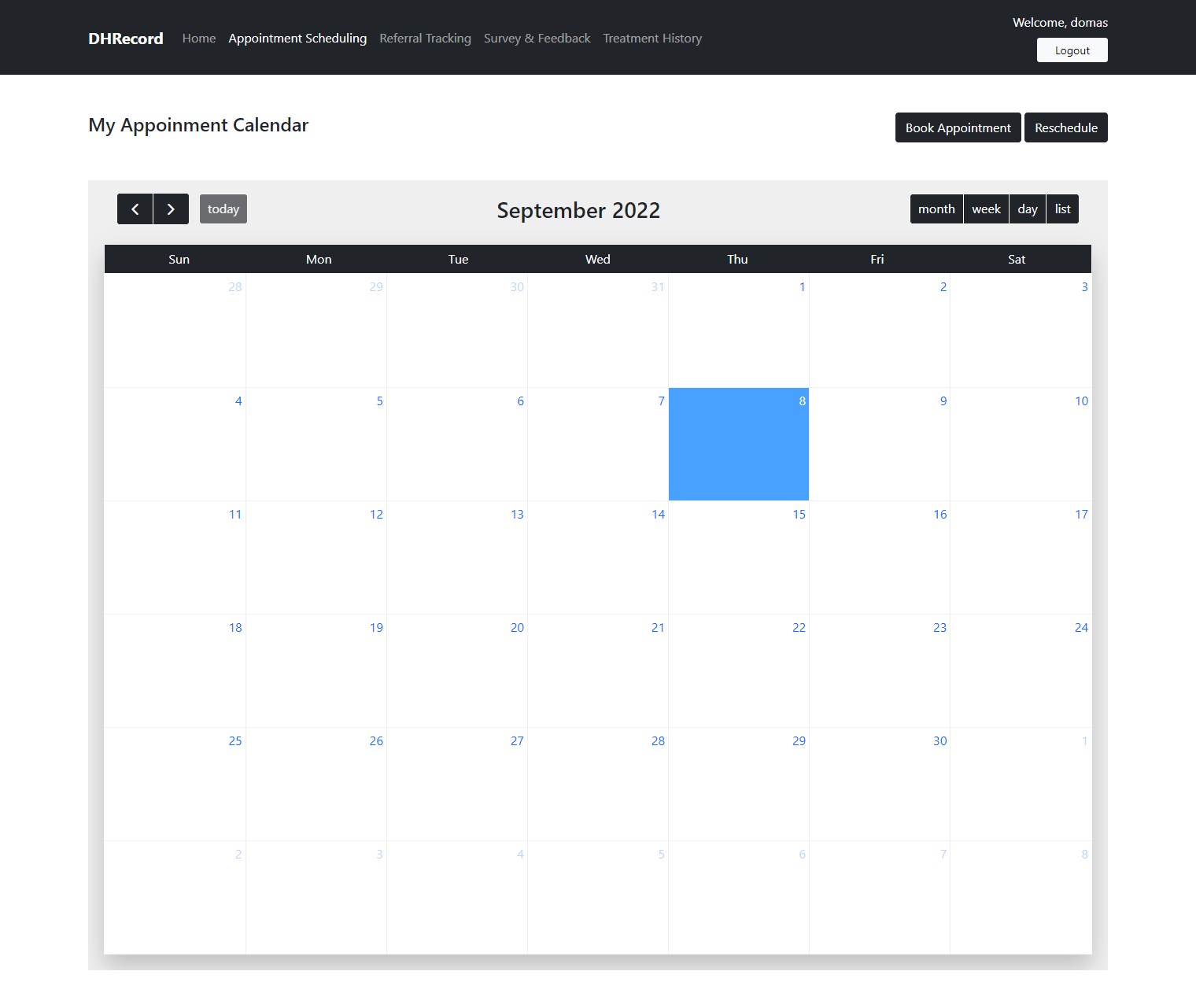
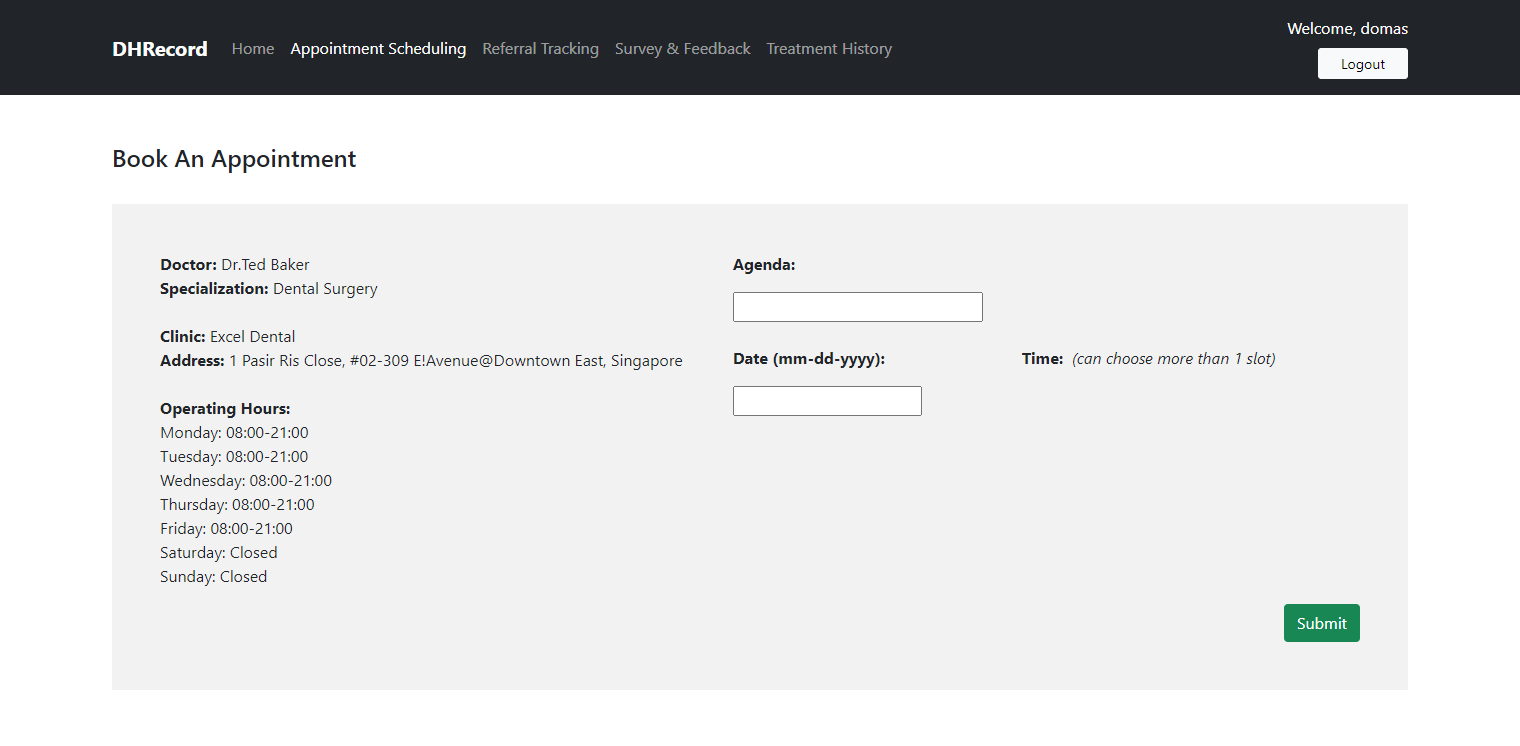
Doctors can manage their appointments through multiple calendar views, while patients can view availability and make appointments.
Supported views include:
- Monthly view
- Weekly view
- Daily view
- List view
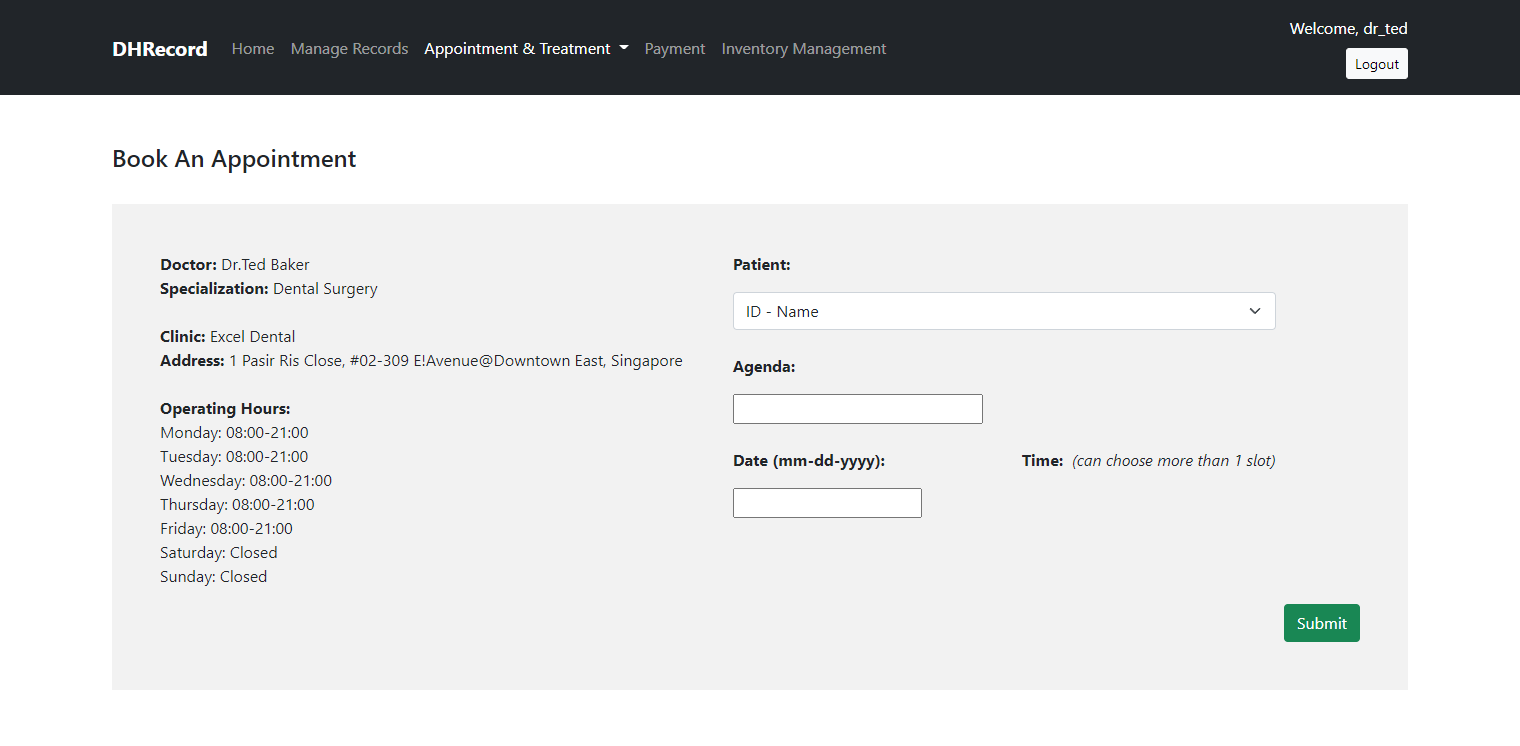
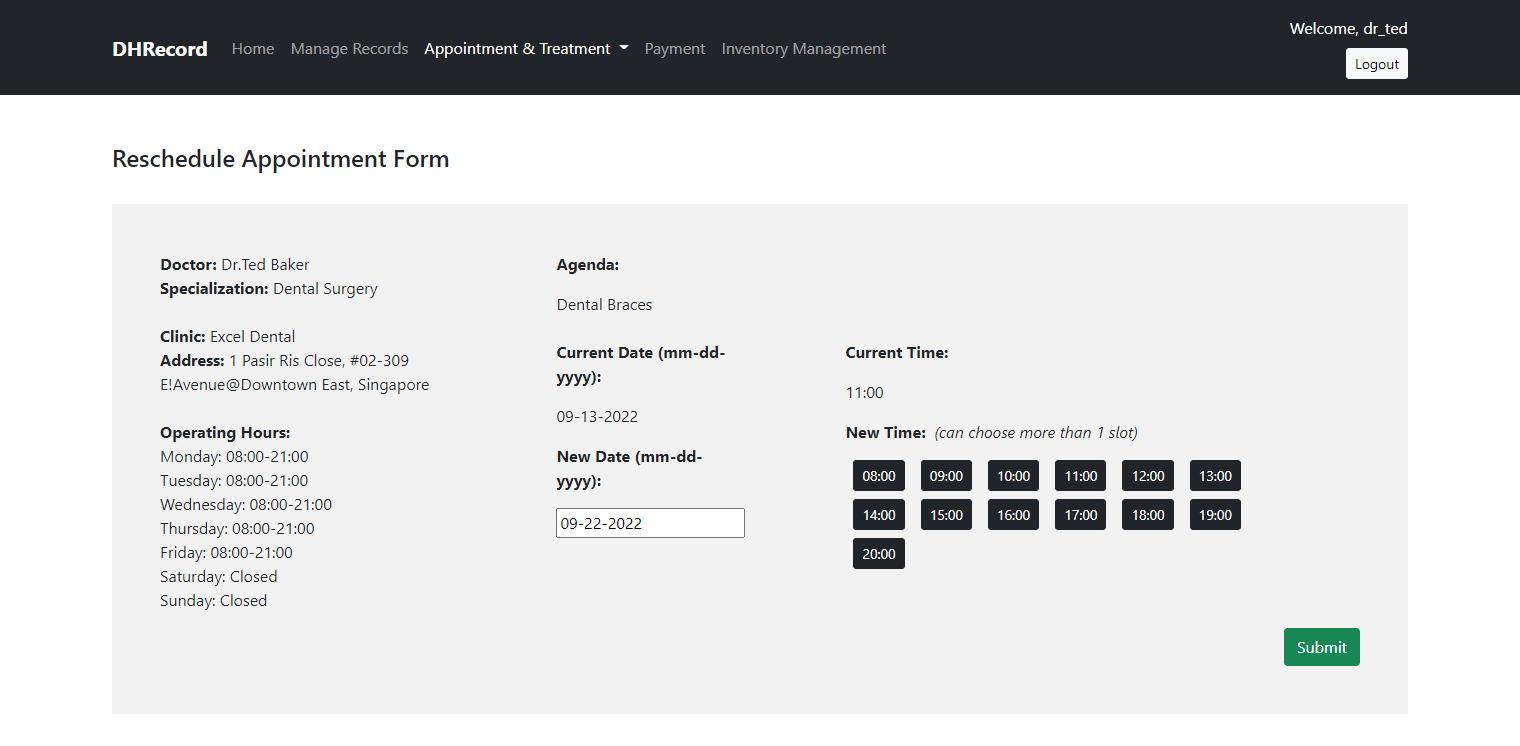
Users can also book and reschedule appointments.
Role-based workflows
The system contains separate workflows for different types of users:
- Superadmin — manages system-level accounts and views account summaries.
- Clinic Admin — manages clinic-related operations.
- Doctor — manages appointment schedules.
- Front Desk — assists with appointment management.
- Patient — searches for clinics and manages appointments.
Technical approach
The application was built using a traditional web stack consisting of PHP, JavaScript, HTML, and CSS.
Bootstrap was used to build responsive interfaces, while jQuery was used for client-side interactions.
The project focused on implementing practical multi-role workflows, responsive interfaces, appointment management, and database-backed application functionality.
Preview
Clinic Search
Login Page
Superadmin — Home Page
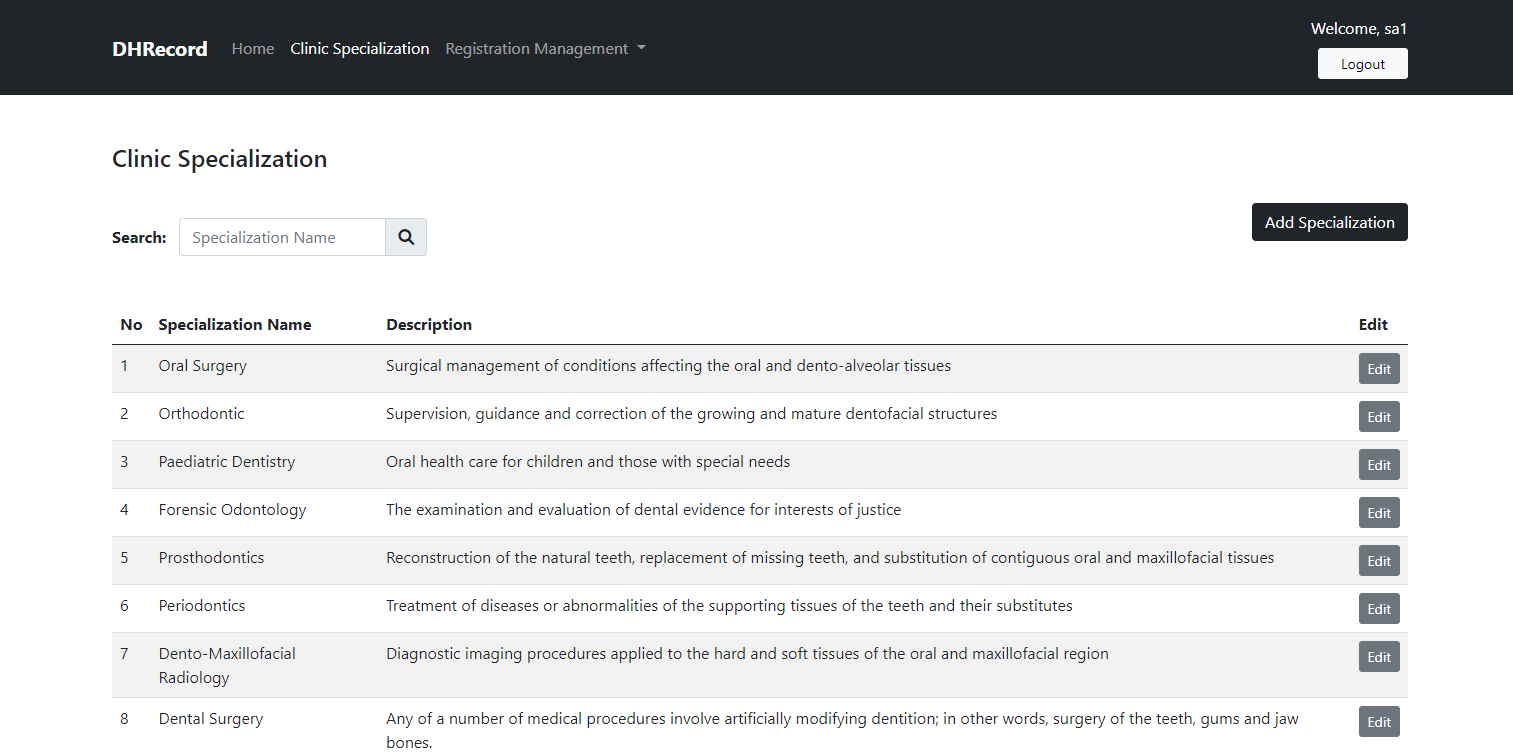
Superadmin — Clinic Specialization Management
Doctor — Appointment Scheduling
(Monthly View)
(Weekly View)
(Daily View)
(List View)
(Book Appointment)
(Reschedule Appointment)
Patient — Appointment Scheduling
(Monthly View)
(Book Appointment)
Clinic Admin — Appointment Scheduling
Front Desk — Appointment Scheduling
Lessons learned
This project gave me experience working on a larger team-based project, not just developing the application itself. I also learned how to manage project timelines using ClickUp and Gantt charts, track tasks with a Kanban board in Trello, and handle changes through change control.
A big part of the project was also documentation. I got experience writing meeting minutes, technical and user manuals, user requirement specifications, and lots of UML diagrams, as well as preparing regular reports for our supervisor.
With the deadline and everything that had to be done, from analysis and development to documentation and testing, I also had to learn how to manage my time and prioritise the functionality that mattered most. I’m aware that the final UI could have been better aesthetically, but given the time and scope of the project, I focused on making sure the main functionality was working.
In the end, it helped me understand that building a software project is not just about coding, but also about planning, documenting, communicating, and working together as a team.