// WEB
Invoice Management System I
A system for small and medium-sized businesses, featuring role-based access, invoice generation, company administration, customer management, and product pricing.
Overview
Invoice Management System is a full-stack web application designed to help small and medium-sized businesses organise their invoicing and related business data.
The application brings invoices, customers, products, pricing, staff accounts, and company settings into a single system.
It supports two primary roles — Admin and Staff — with different permissions depending on the user’s role.
Key features
Authentication and roles
The application uses role-based access control to separate administrator and staff functionality.
-
Admin users can manage company-level settings and perform privileged operations.
-
Staff users can access day-to-day functionality while restricted from administrative operations.
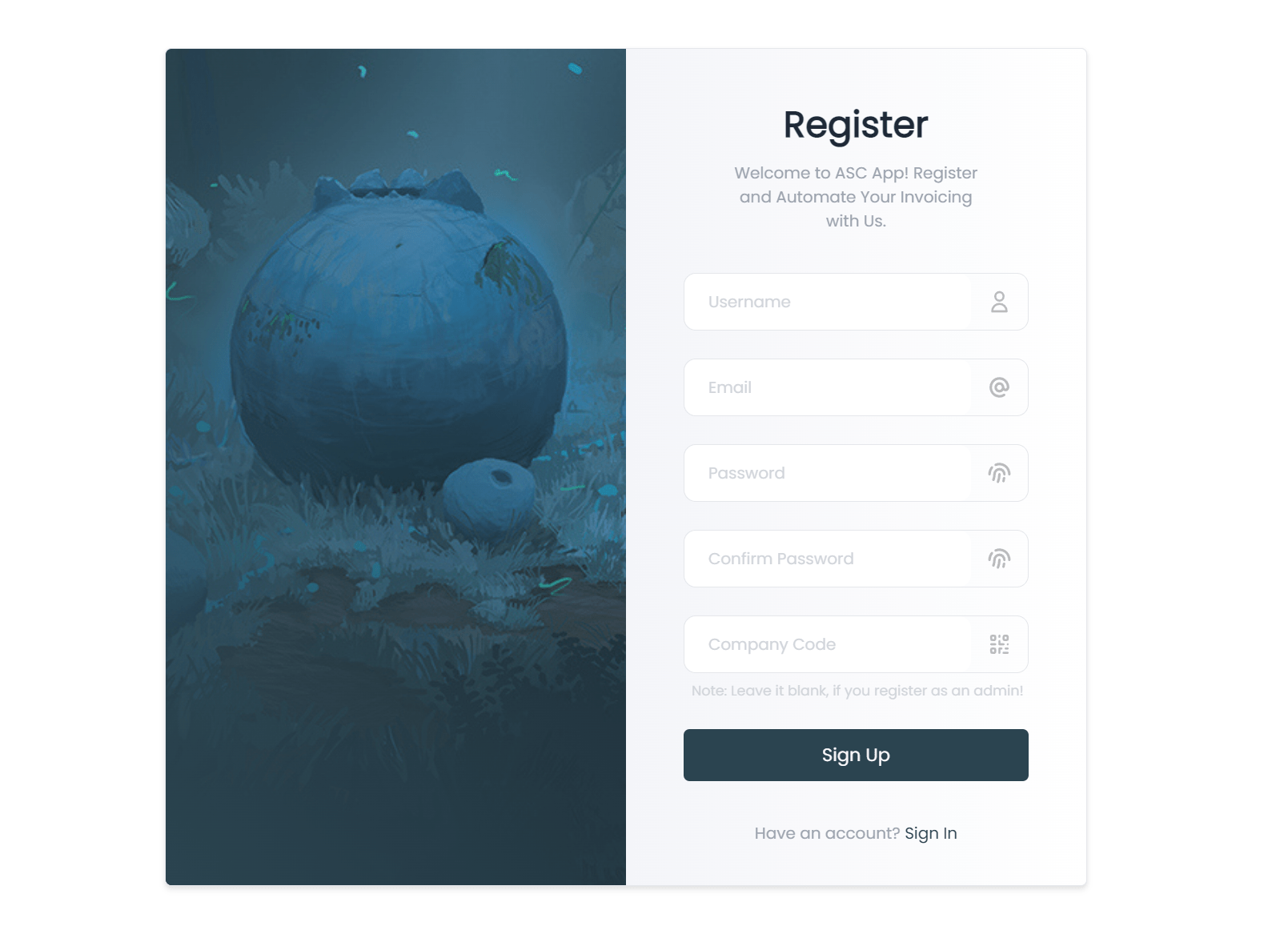
Staff registration requires a company code provided by an administrator.
Dashboard
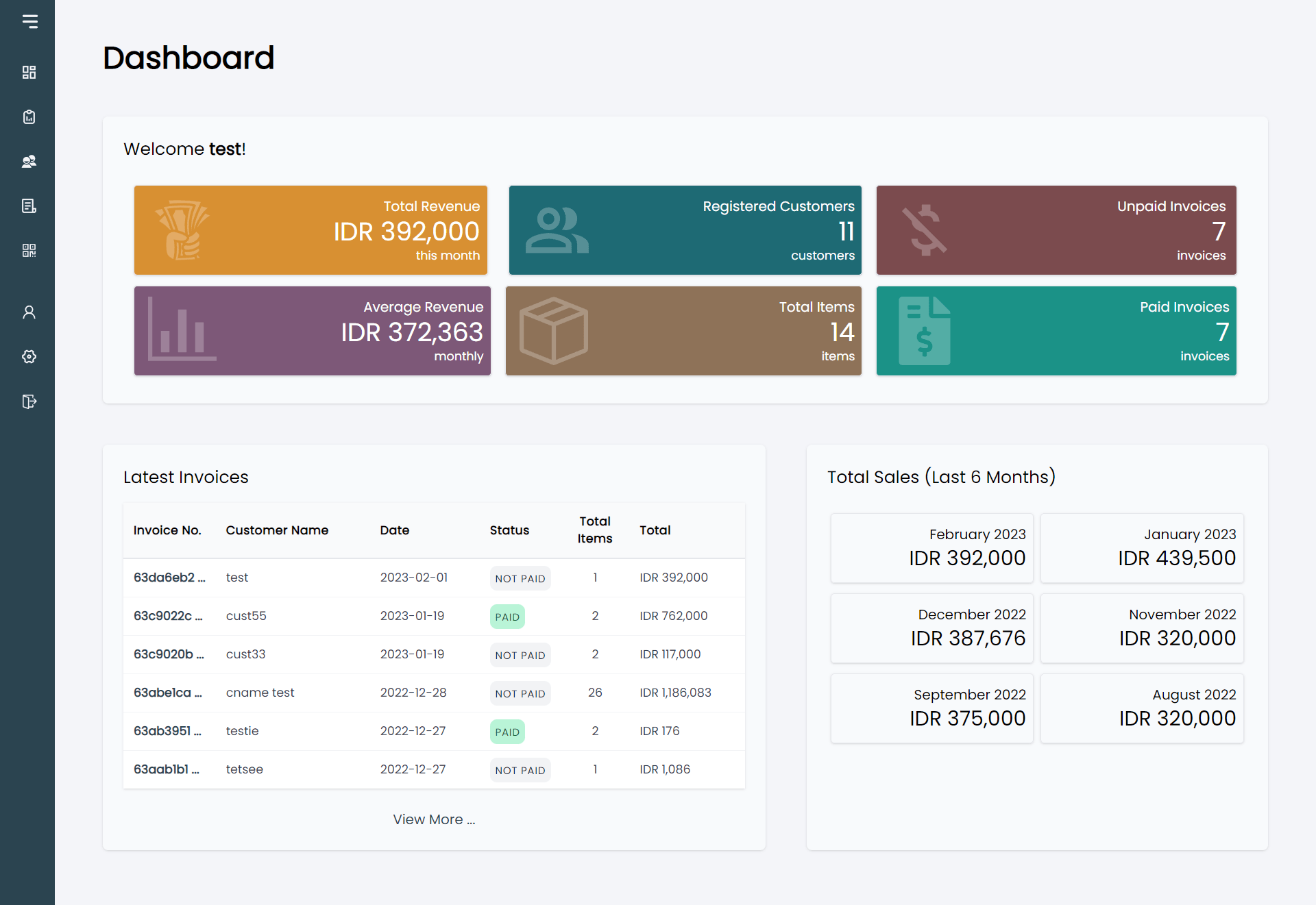
Administrators have access to a dashboard containing statistical information and summaries related to the business.
Invoice management
The invoice module allows users to:
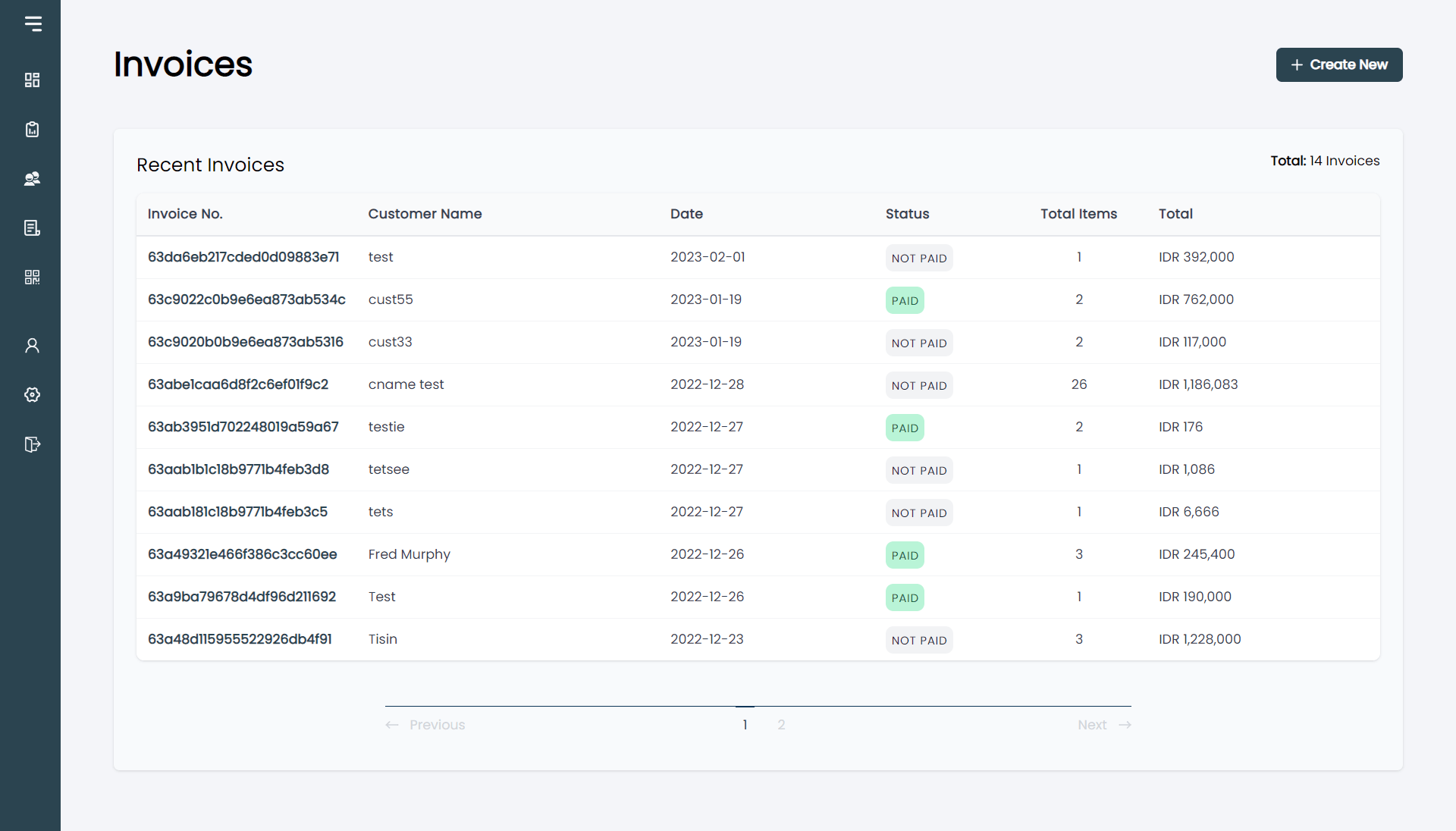
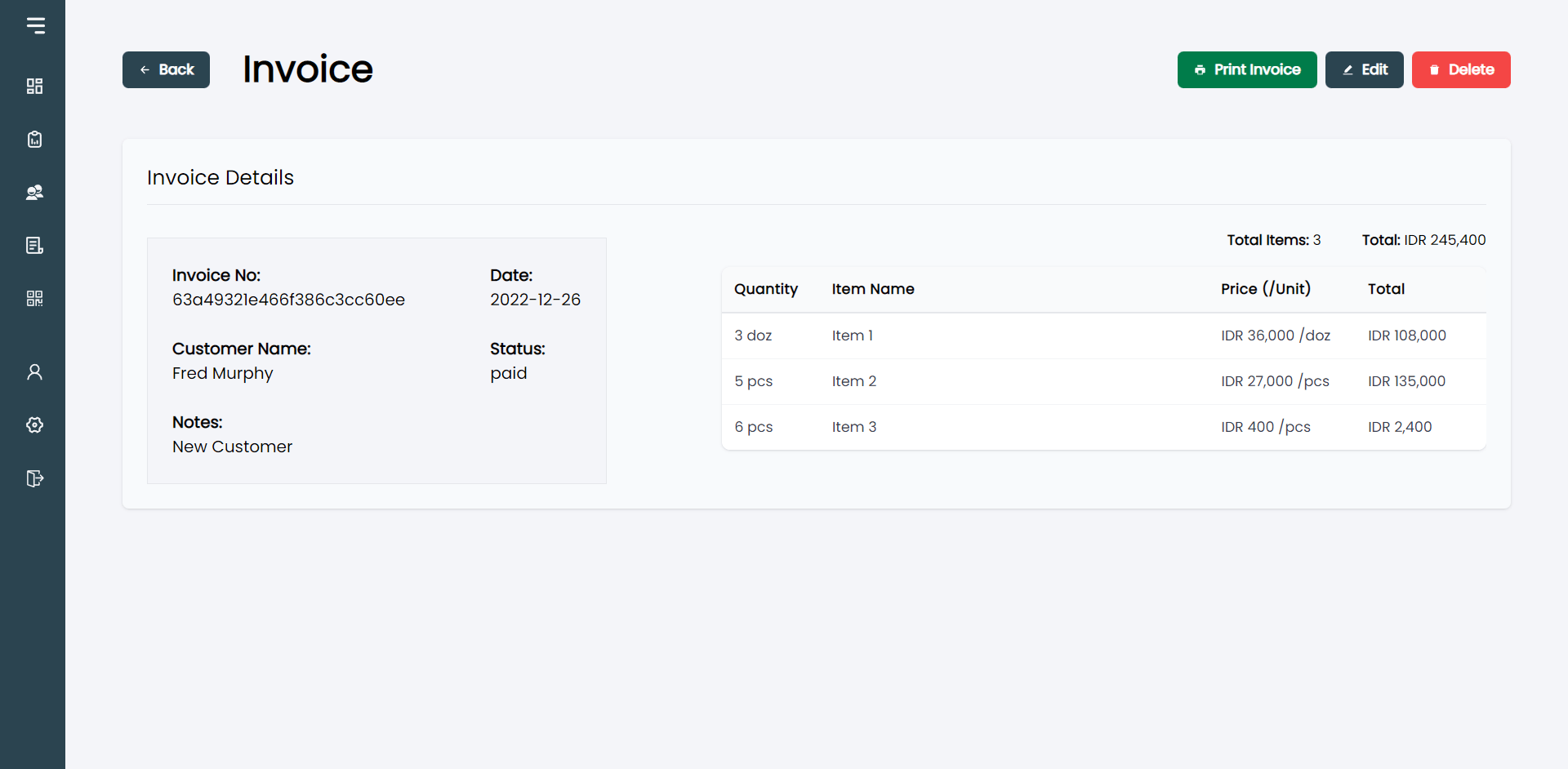
- View invoices and invoice details
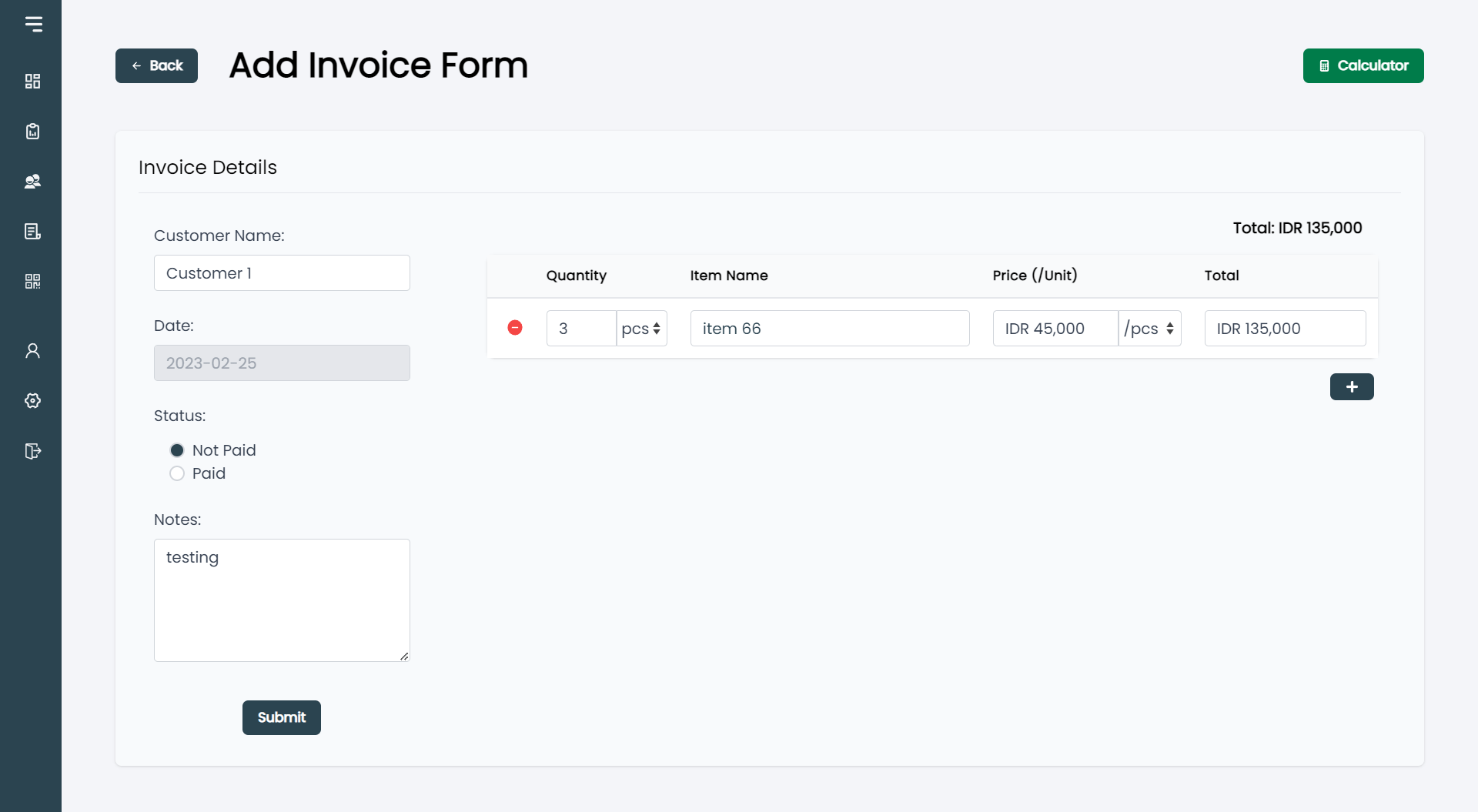
- Create invoices
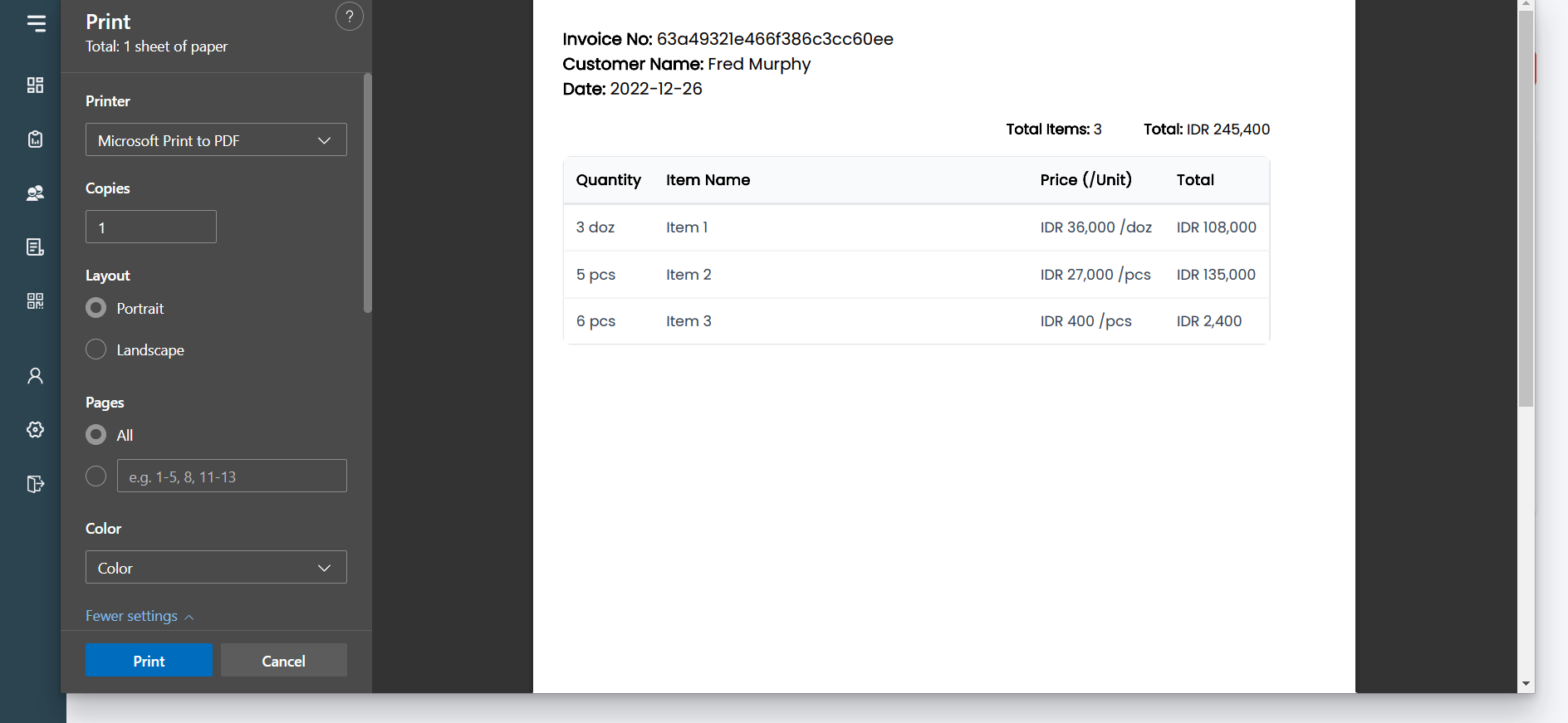
- Print invoices
- Preview invoices before printing
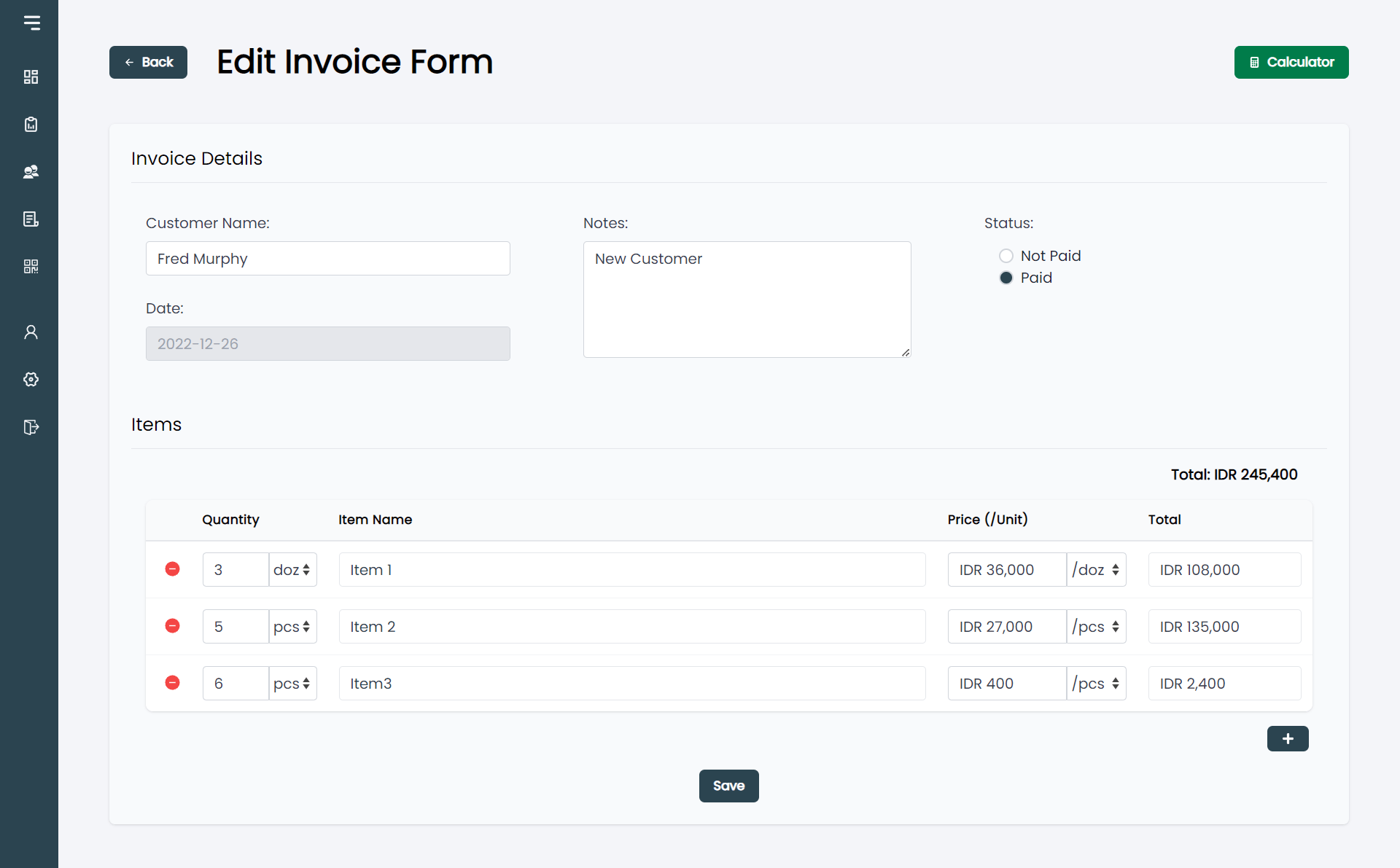
- Edit invoices (admin only)
- Delete invoices (admin only)
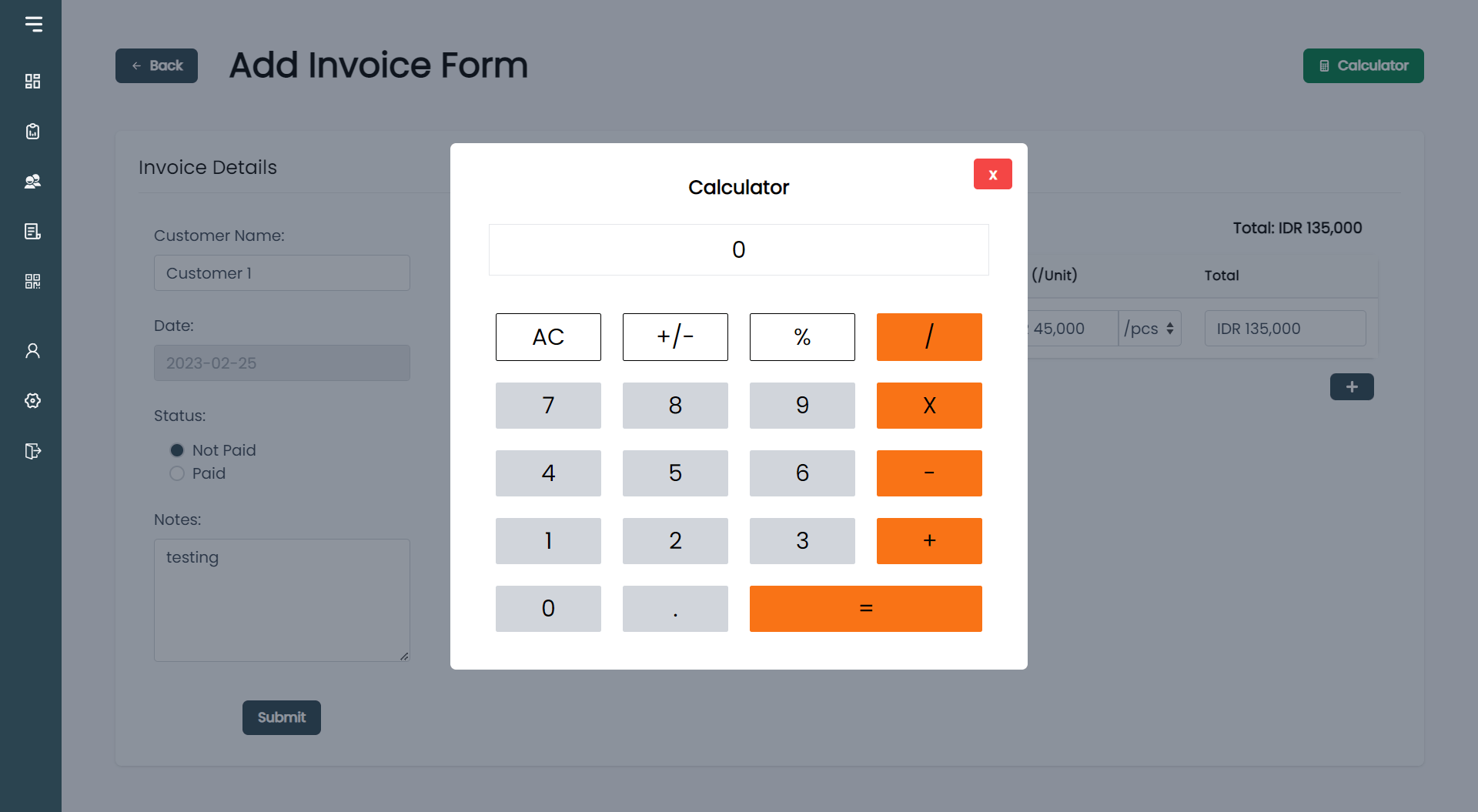
- Use an integrated calculator while creating invoices
Customer management
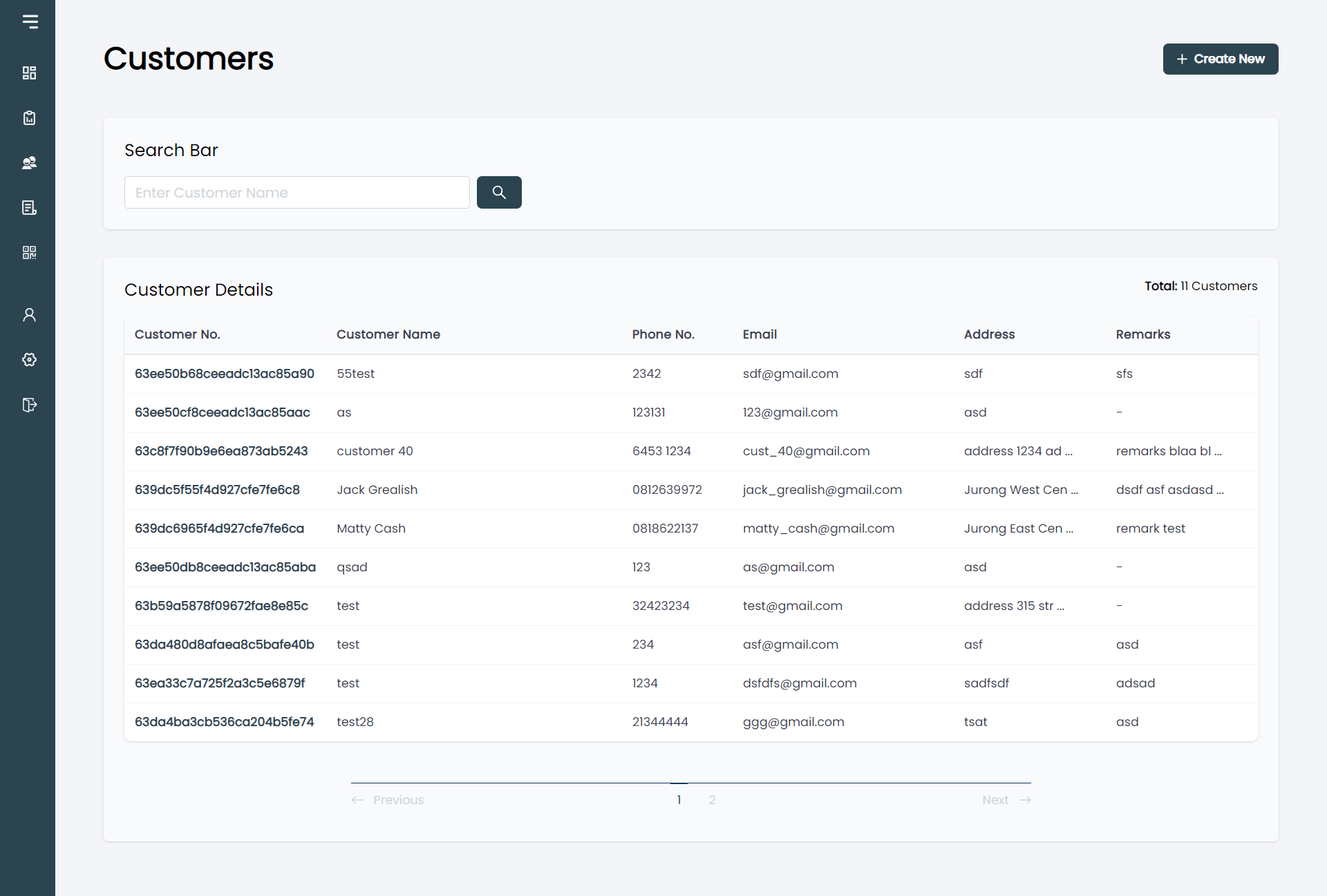
Users can manage customer records through:
- Customer listing
- Customer details
- Add customer
- Edit customer (admin only)
- Delete customer (admin only)
Product and price list
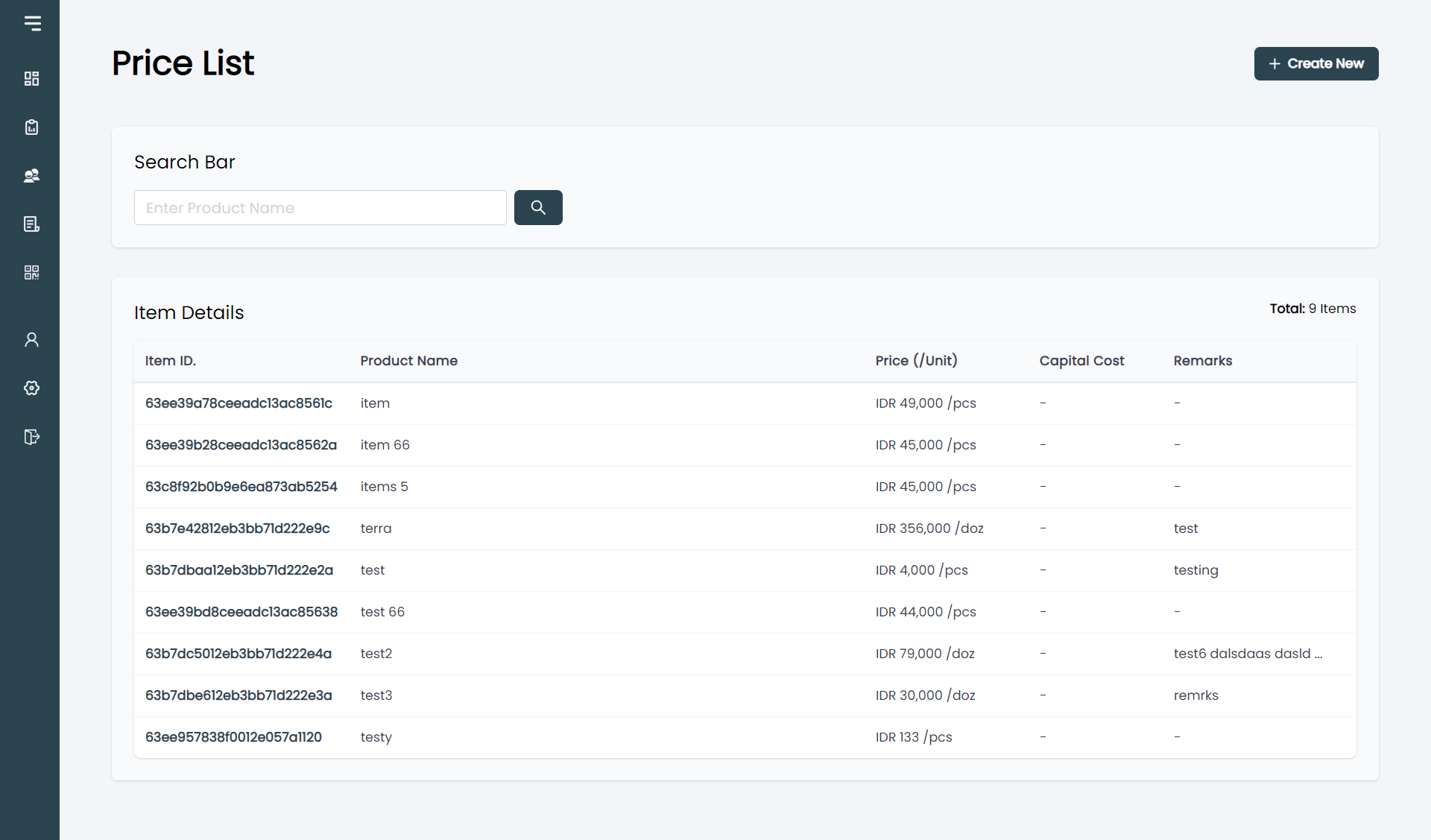
The price list provides a central place to manage products and their pricing.
Administrators can:
- View products and product details
- Add products
- Edit products
- Delete products
- Manage the purchase price of each product
Staff members can only view available products and their selling prices.
Company management
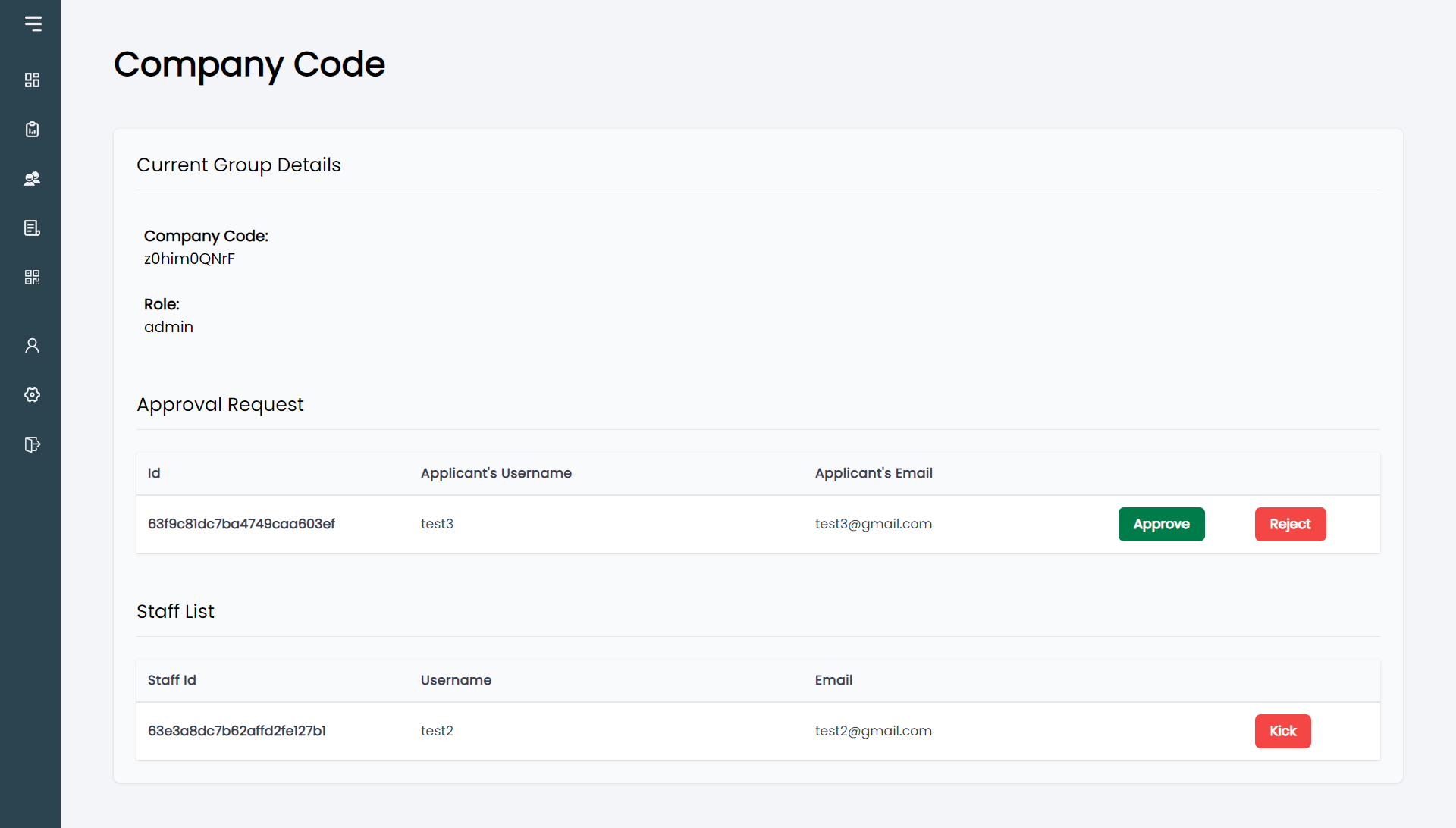
Administrators can manage staff accounts through the company management section.
This includes:
- Viewing the company code
- Viewing staff accounts
- Removing staff accounts
- Reviewing staff registration requests
- Approving requests
- Rejecting requests
Profile and settings
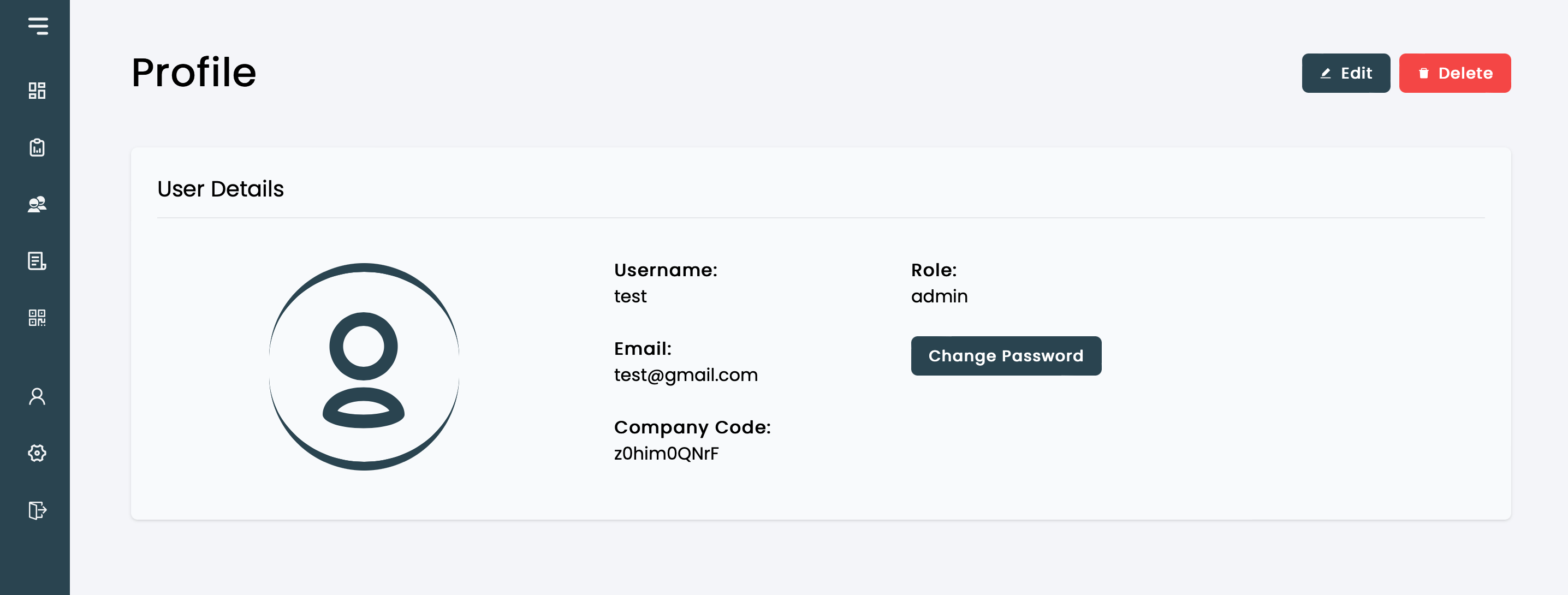
Users can manage their own accounts through the profile section.
Available functionality includes:
- View profile
- Edit profile
- Change password
- Delete account
- Sign out
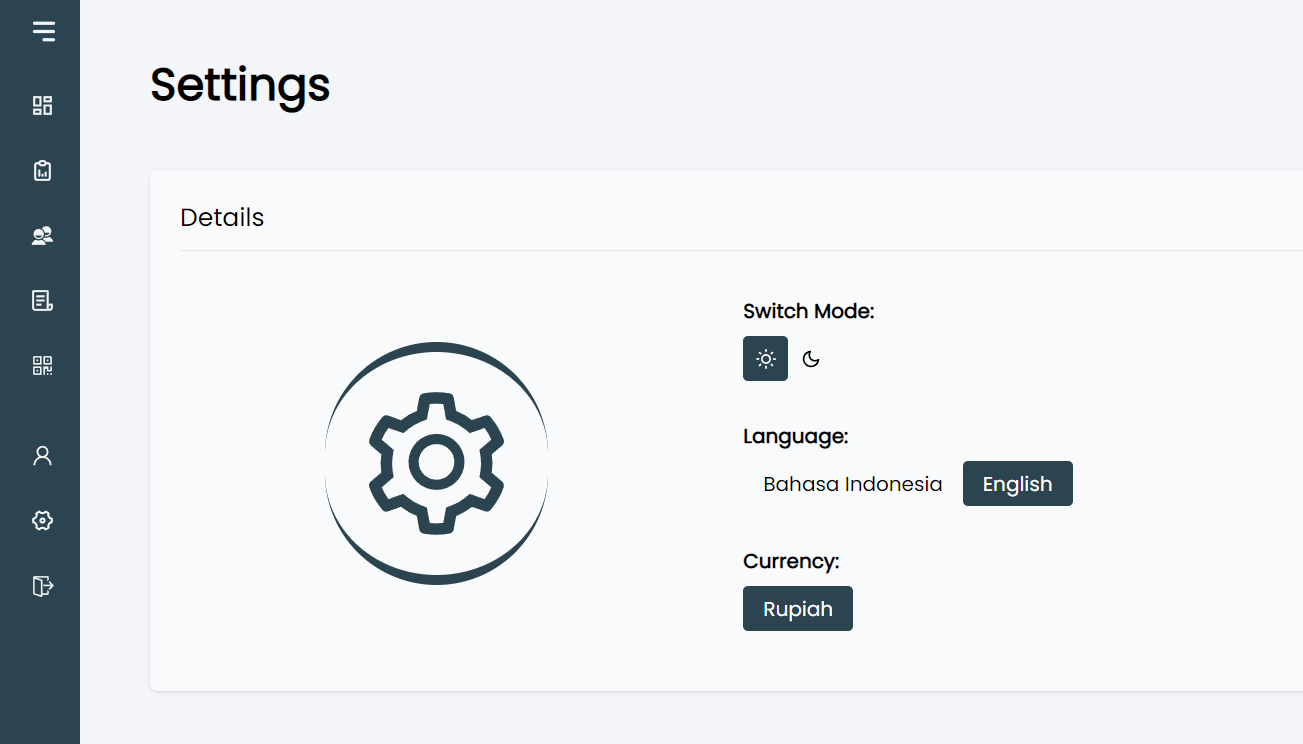
The application also supports:
- Light and dark modes
- English and Bahasa language settings
- Currency settings (planned)
Technical approach
The application was built with Next.js as the main framework, with MongoDB used for the database and Mongoose for data modelling. NextAuth handled authentication and user sessions, while Tailwind CSS was used to build the interface.
The application also uses role-based permissions to separate admin features from the day-to-day workflows used by staff.
Preview
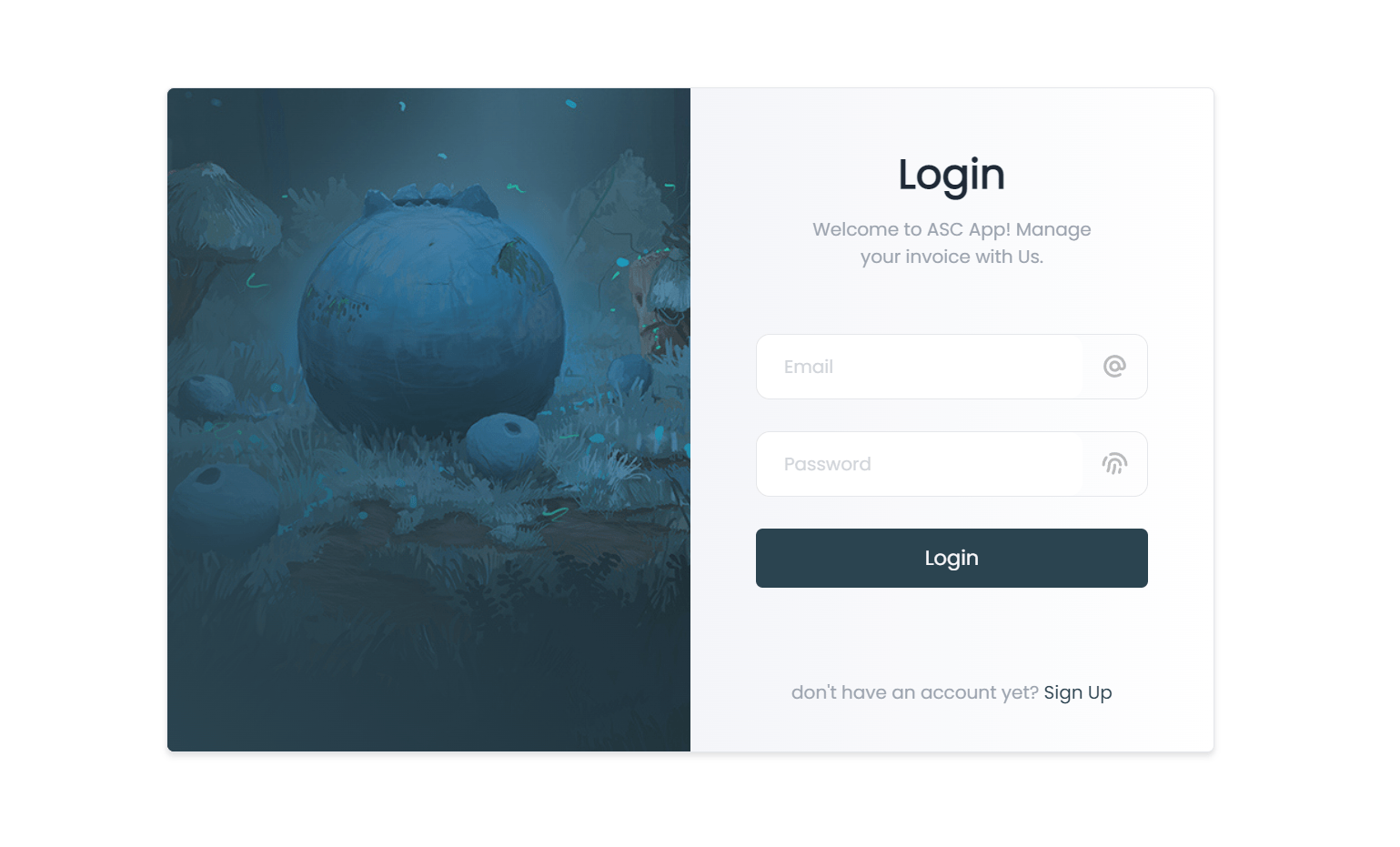
Login Page
Registration Page
Dashboard
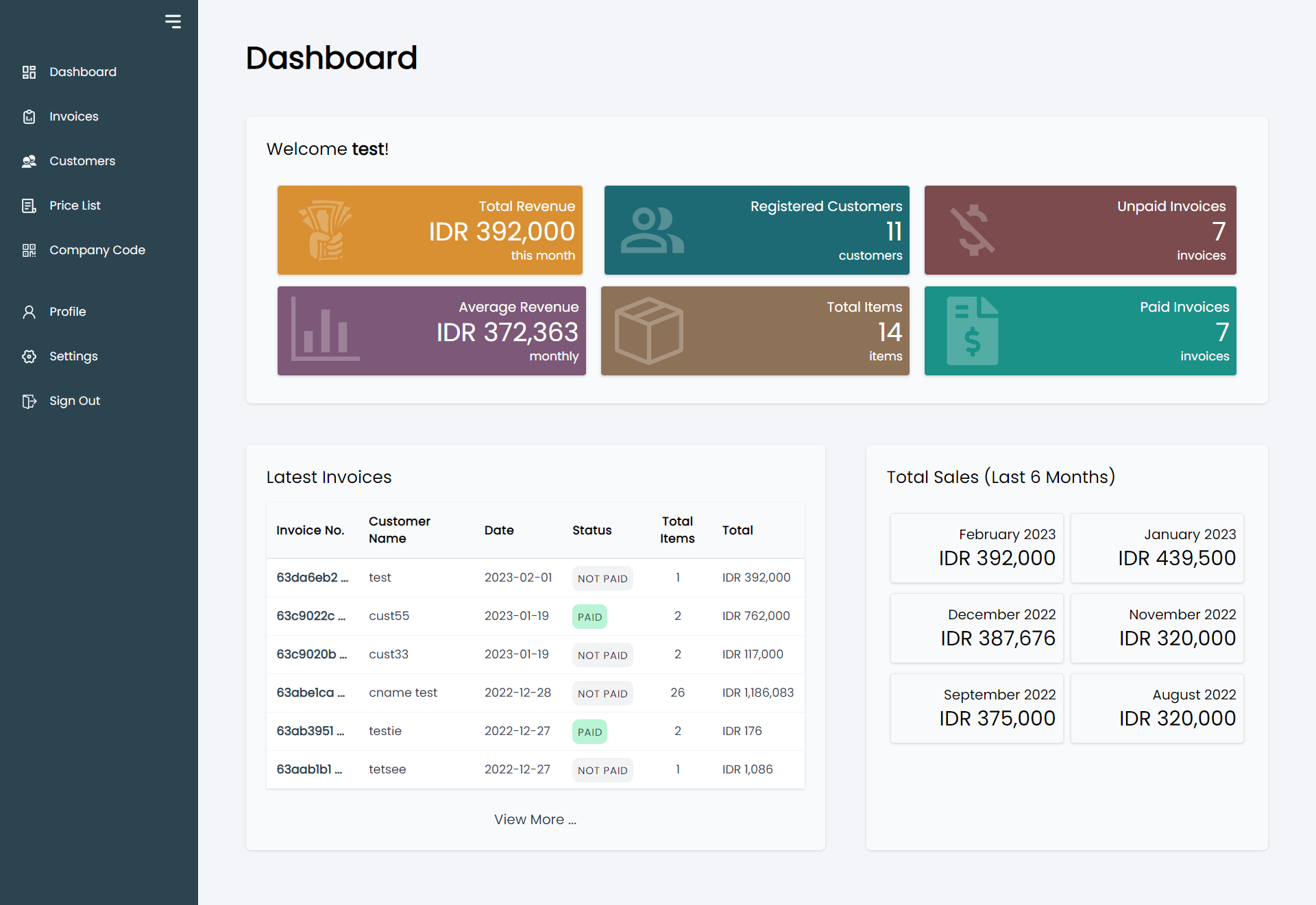
Sidebar
Invoices
Invoice Details
Add Invoice
Edit Invoice
Print Preview
Calculator
Customers
Price List
Company Code
Profile
Settings
Lessons learned
This project gave me practical experience building a complete full-stack application around a real-world business workflow.
It strengthened my understanding of authentication, role-based authorisation, database modelling, CRUD operations, application state, invoice workflows, and responsive UI development.
It also provided experience designing an application around multiple user roles rather than treating the application as a collection of independent CRUD pages.