// WEB
Patient Record Tracker
A MERN stack patient record management application for maintaining patient check-in records with CRUD functionality.
Overview
Patient Record Tracker is a simple patient record management application built using the MERN stack — MongoDB, Express.js, React.js, and Node.js.
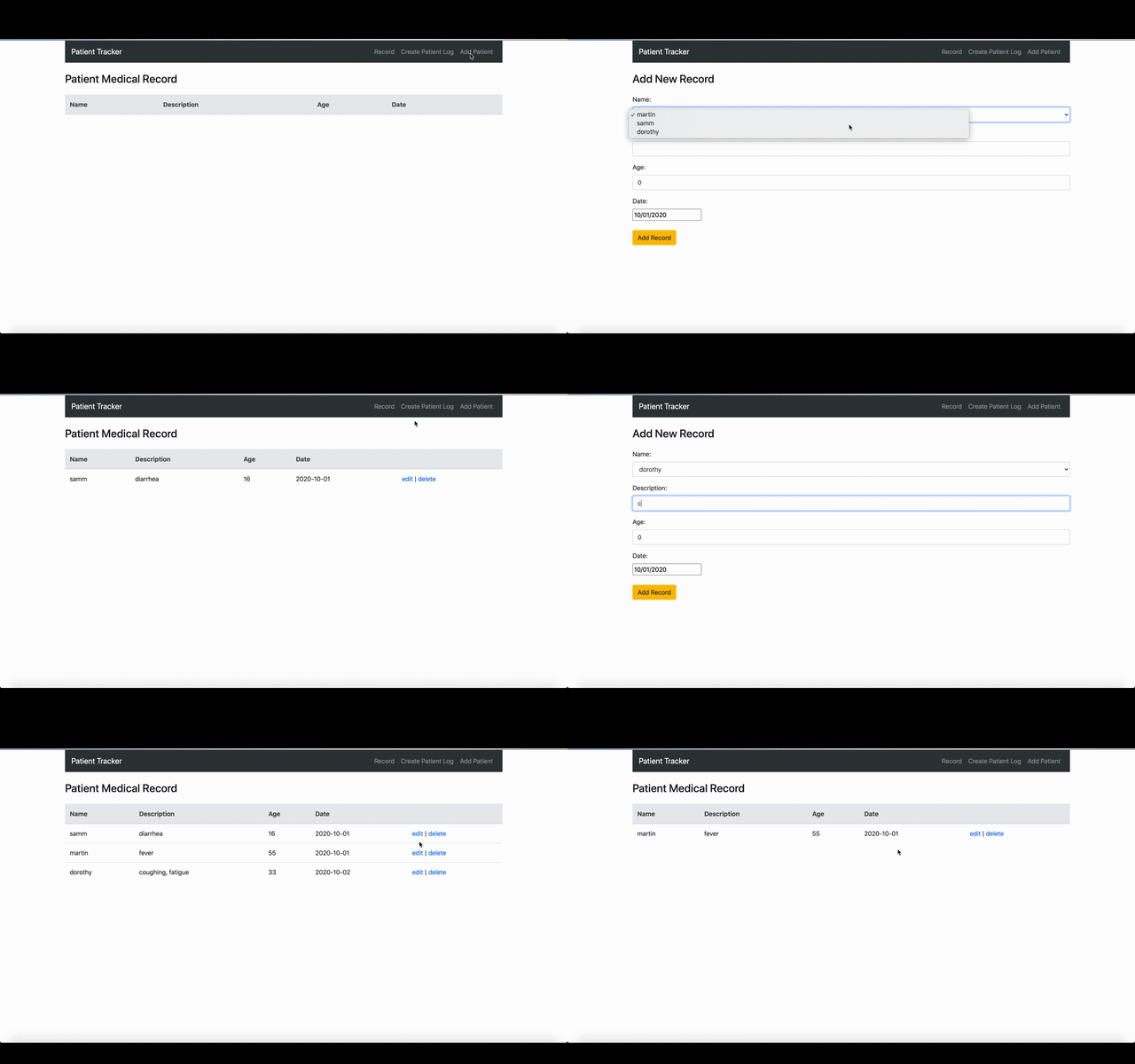
The application allows users to maintain patient information and manage individual patient records, including details such as age, description, and date.
This was an early project created while I was learning the MERN stack, so the application intentionally focuses on fundamental CRUD operations and a straightforward user interface.
Note: The application requires an
ATLAS_URIenvironment variable containing your own MongoDB connection string.
Technical approach
For this project, I worked with:
- MERN stack for the overall application
- React.js and Bootstrap for the frontend
- Node.js and Express.js for the REST API
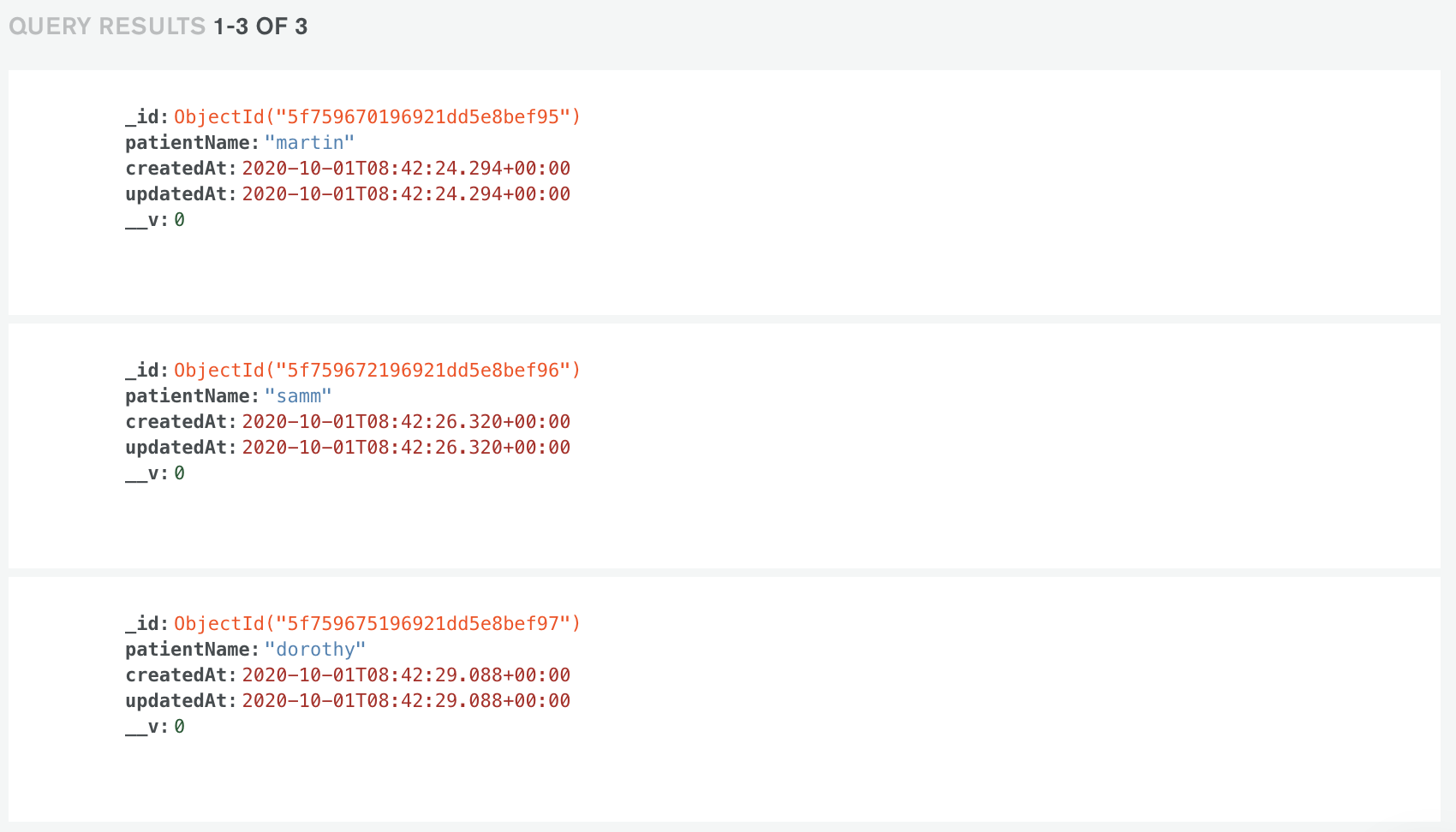
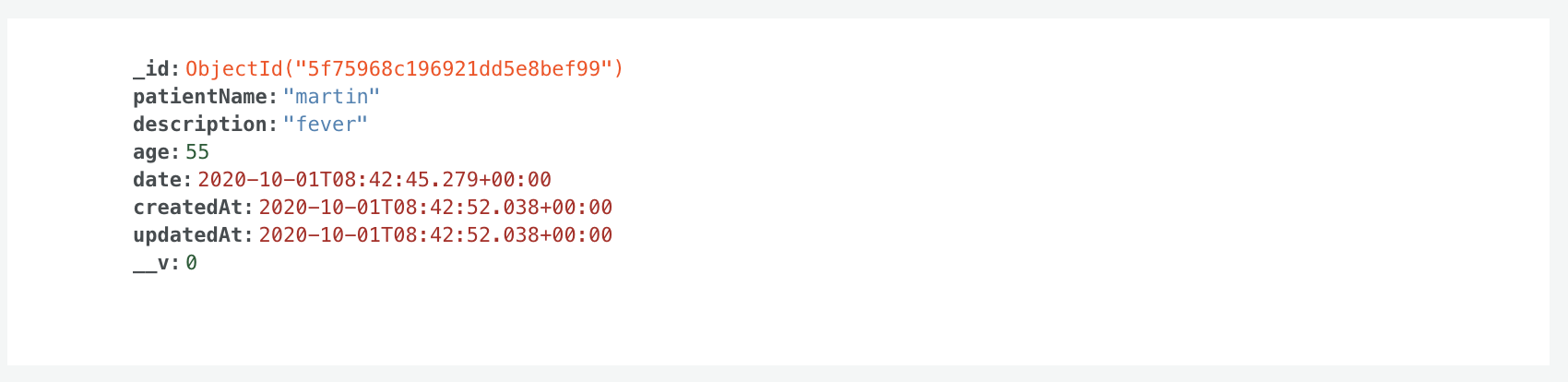
- MongoDB and Mongoose for data storage and modelling
- Axios for communication between the frontend and backend
- REST API endpoints for managing patient information
Features
- Add new patients
- Add and update patient records
- Store patient age, description, and record date
- Edit existing records
- Delete records
- View patient check-in information
Architecture
The application follows a straightforward client-server architecture:
| Frontend | Backend | Database |
|---|---|---|
| React.js | Node.js | MongoDB |
| Bootstrap | Express.js | |
| Axios | Mongoose |
The React frontend communicates with the Express API using Axios, while Mongoose handles the interaction between the Node.js backend and MongoDB.
Demo
Database
Lessons learned
This was one of my first projects where I had to connect a frontend, backend, and NoSQL database together. It helped me understand how data moves from the React frontend through the Express API and into the MongoDB database.
It also gave me a better feel for building CRUD functionality. Adding, editing, and deleting records sounds simple, but making sure everything stayed in sync between the frontend and backend was a good learning experience.