// OTHERS
YouTube Video Downloader
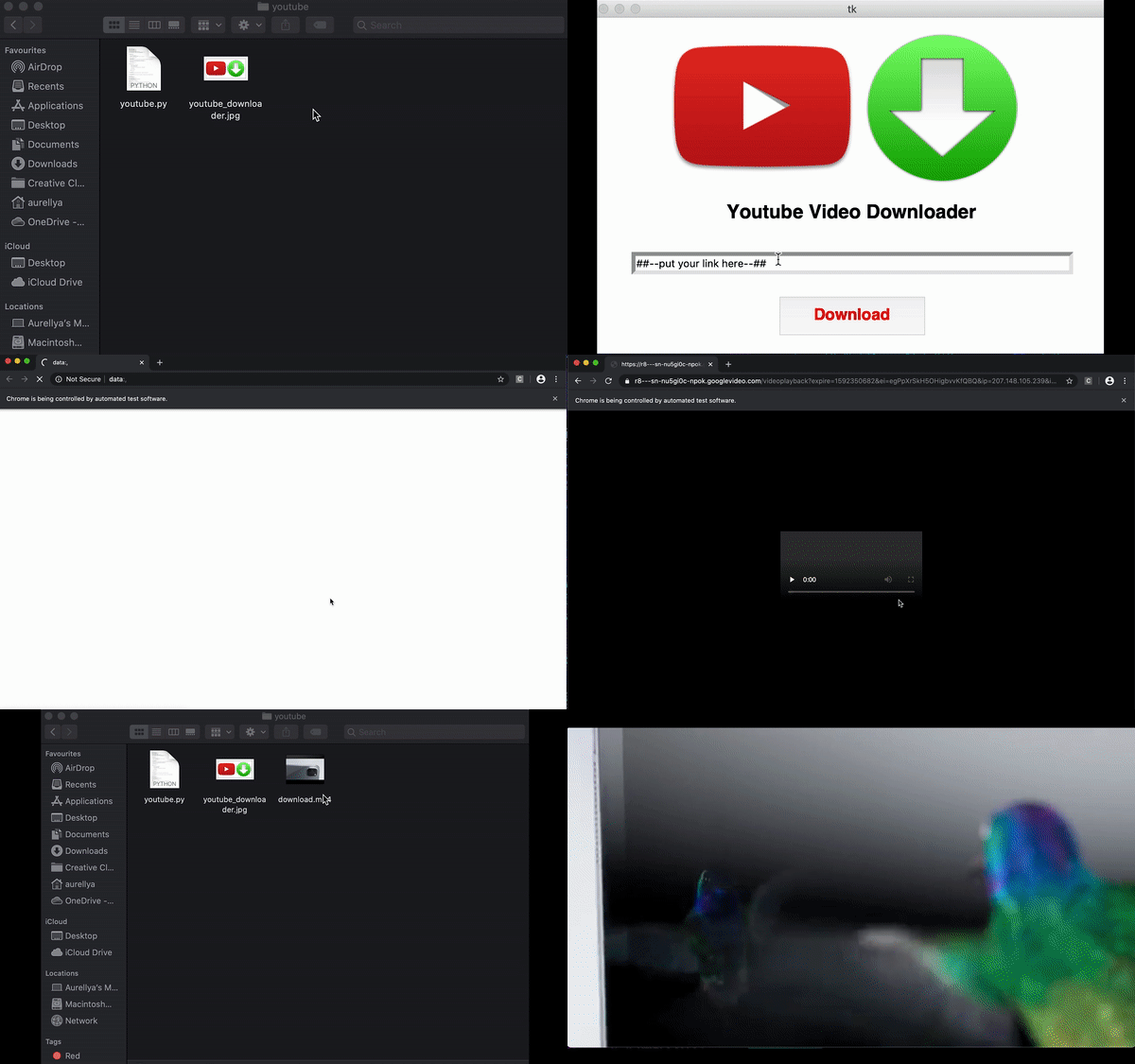
A Python automation project that takes a YouTube URL and handles the download through a browser.
Overview
YouTube Video Downloader is a Python application that allows users to download videos from YouTube by providing a video URL.
The project was created as a small automation experiment to explore Python libraries for web interaction, data extraction, and handling user-provided URLs.
Technical approach
The project uses:
- Python for the automation script
- Selenium to open and control the browser
- BeautifulSoup for extracting information from web pages
- urllib for handling URLs and requests
- Automated form input and button interactions
Requirements
To run the project, the following dependencies are required:
-
Python 3.x
-
ChromeDriver
-
Mac:
brew cask install chromedriver
-
-
BeautifulSoup4:
pip install bs4 -
Selenium:
pip install selenium -
urllib3:
pip install urllib3
ChromeDriver must also be installed and configured for the local Chrome installation.
macOS setup
On macOS, Python’s SSL certificates may need to be installed depending on the Python version.
If required, run the Install Certificates.command file included with the Python installation.
Lessons learned
This was one of my first projects where I used Python to automate something I would normally do manually in a browser. It was fun seeing the script open the browser, enter the URL, and click through the website on its own.
I also learned how to inspect a webpage, find the right elements and their IDs or selectors, and use them in the script to interact with specific buttons and input fields. It gave me a better understanding of browser automation and how Selenium can be used to control a webpage programmatically.